How to publish a draft article in Zendesk Guide Admin
Here is how to publish a draft article in zendesk guide admin
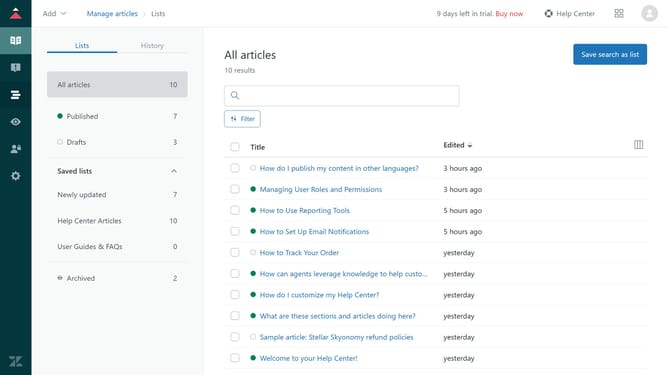
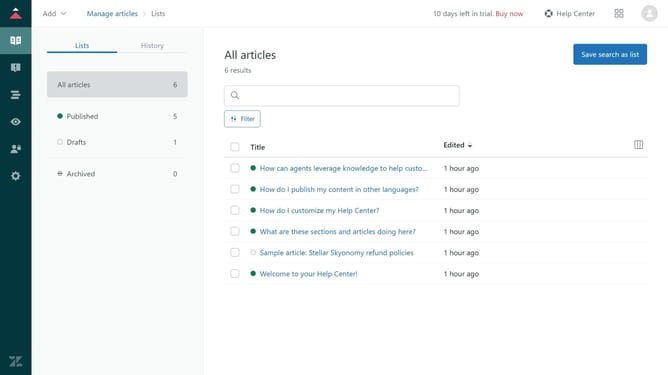
- First in Guide admin, click on the "Manage Articles" icon in the left sidebar
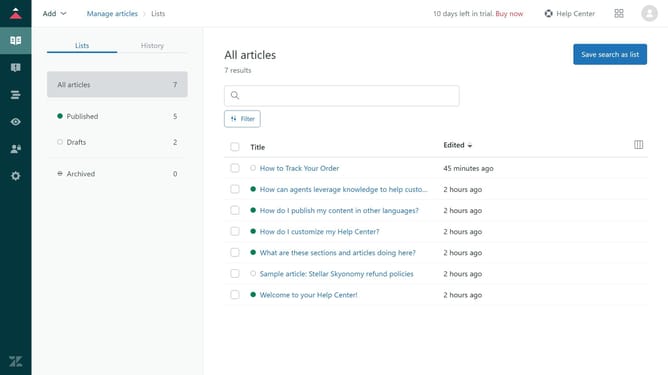
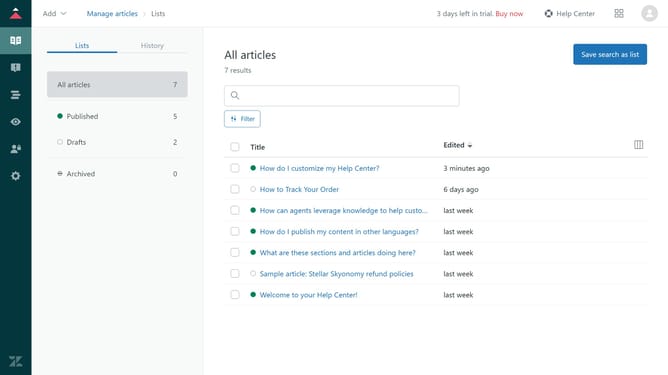
- Then, click on the "Drafts" tab in the left sidebar to view all unpublished articles
- Next click on the draft article you want to publish in the drafts list
- Review the content and make any necessary edits
- Click on the dropdown arrow next to the "Save" button
- Finally, select "Publish" option from the dropdown menu
Why should you publish a draft article in Zendesk Guide Admin
Zendesk is a versatile platform that streamlines customer engagement and support experiences.
The "Publish Draft" feature in Zendesk Guide Admin empowers you to seamlessly make your draft articles live. This enables you to efficiently manage and update your knowledge base with the most accurate information.
Using this feature ensures that your audience always has access to up-to-date insights, boosting trust and satisfaction. It simplifies content management by providing a quick route from content creation to publication, enhancing productivity and maintaining content quality.
Last update