How to move a section to a different category in Guide Admin on Zendesk
Here is how to move a section to a different category in guide admin on zendesk
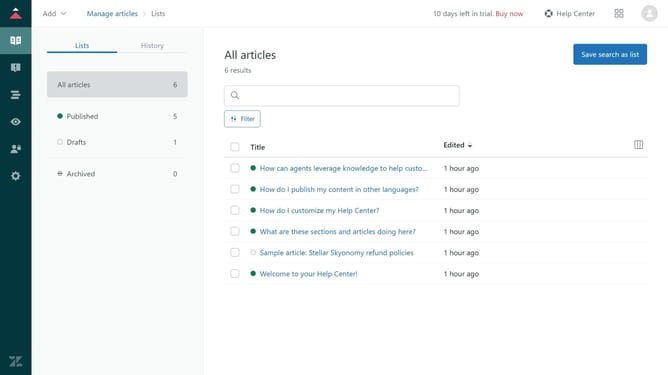
- First in Guide admin, click on the "Arrange content" icon in the left sidebar
- Then click on the category that contains the section you want to move
- Next locate the section you want to move from the list
- Click on the "More actions" menu (three dots) next to it
- Select "Move to" option from the dropdown menu
- In the Move dialog,, select the new category where you want the section to be moved
- Finally click the "Move" button to complete the section transfer
Why should you move a section to a different category in Guide Admin on Zendesk
Zendesk is a versatile customer service platform designed to foster better communication with clients.
One of its key features, moving a section to a different category in Guide Admin, is a game changer for organizing content efficiently. This feature streamlines the rearrangement of knowledge base articles, ensuring that information is categorized correctly, enhancing user experience.
By using this feature, businesses can ensure their knowledge base remains intuitive and user-friendly. It helps keep information accessible and accurately classified, ultimately supporting swifter customer issue resolutions.
Last update