How to export your user fields in Zendesk
Here is how to export your user fields in zendesk
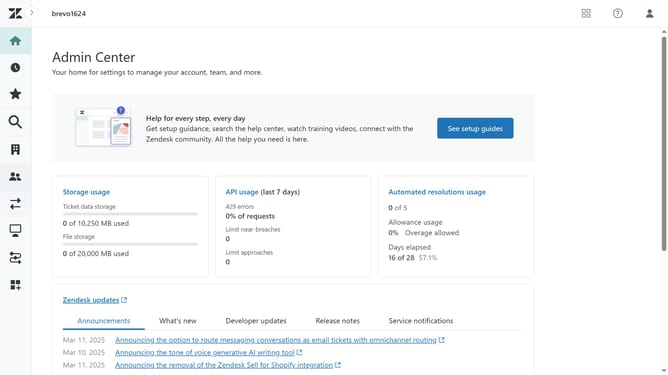
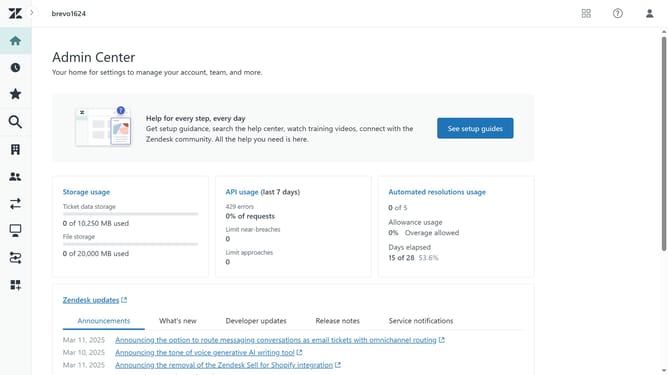
- First in Admin Center, click on the "People" icon in the left sidebar
- Click on "User fields" under the Configuration section
- Next click on the "Actions" dropdown button in the top-right corner of the page
- Then select "Download CSV" option from the Actions dropdown menu
- Your user fields data will be downloaded as a CSV file and stored in the downloads folder of your web browser
Why should you export your user fields in Zendesk
Zendesk is a robust platform designed to streamline customer service management.
Among its many features, the ability to export your user fields allows for efficient data handling and analysis.
Exporting user fields in Zendesk enhances data accessibility, enabling businesses to tailor their services according to customer needs effortlessly.
This feature is vital for making informed decisions, improving customer satisfaction, and optimizing operational efficiency.
Last update