How to enable rich content in incoming emails in Zendesk
Here is how to enable rich content in incoming emails in zendesk
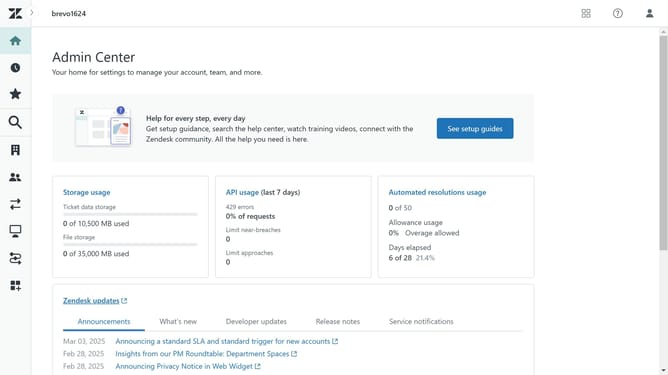
- First in Admin Center, click on the "Channels" icon in the left sidebar menu
- Then click on "Email" option under the "Talk and email" section
- Next scroll down to find the "Rich content in email" section
- Select the "Rich content in email" checkbox to enable it
- Finally click on the "Save" button at the bottom of the page to apply the changes
Why should you enable rich content in incoming emails in Zendesk
Zendesk is a seamless customer service software that elevates communication into an art form.
Enabling rich content in incoming emails within Zendesk can transform plain messages into dynamic, visually engaging communications. This feature supports the inclusion of HTML elements, images, and formatting options that make emails not only more visually appealing but also more informative.
By leveraging rich content, you can present information more clearly, enhance brand consistency, and improve customer satisfaction. It also allows support agents to understand issues more effectively, streamlining the resolution process.
Last update