How to edit the management permissions for articles in bulk in Zendesk Guide
Here is how to edit the management permissions for articles in bulk in zendesk guide
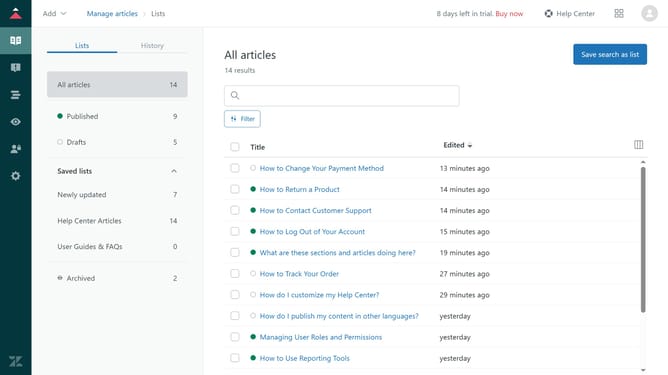
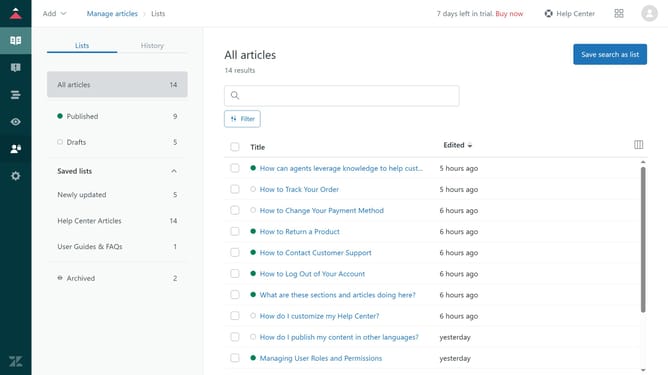
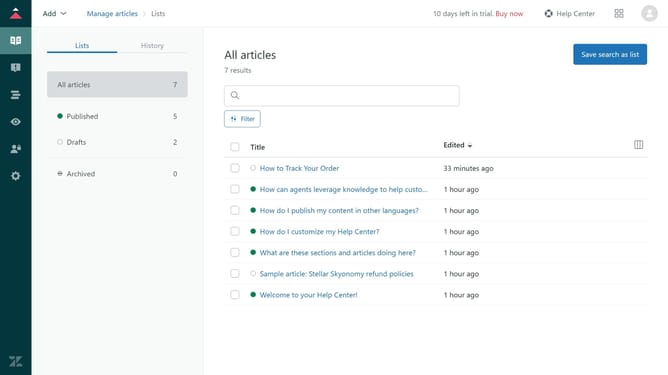
- First in Guide admin, click on the "Manage articles" icon in the left sidebar
- Then select the checkboxes next to articles you want to edit management permissions for
- Next click on the "Article settings" dropdown menu at the bottom of the page
- Select "Change permissions" option from the dropdown menu
- In the permissions dialog, select "Managed by" for the permission type
- Next click on the "Managed by" dropdown
- Select the user role or group that should have management access to the selected articles
- Finally, click on the "Change permissions" button to confirm the change
Why should you edit the management permissions for articles in bulk in Zendesk Guide
Zendesk is a powerful platform designed to enhance customer support and streamline communication.
With the feature to edit management permissions for articles in bulk within Zendesk Guide, managing large volumes of content becomes much more efficient. This feature allows users to adjust permissions on multiple articles simultaneously, saving valuable time and reducing human error.
Using this feature ensures that teams can maintain consistency in content access while empowering admins to swiftly implement policy changes, resulting in an optimized workflow and improved team collaboration.
Last update