How to clone a custom organization field in Zendesk
Here is how to clone a custom organization field in zendesk
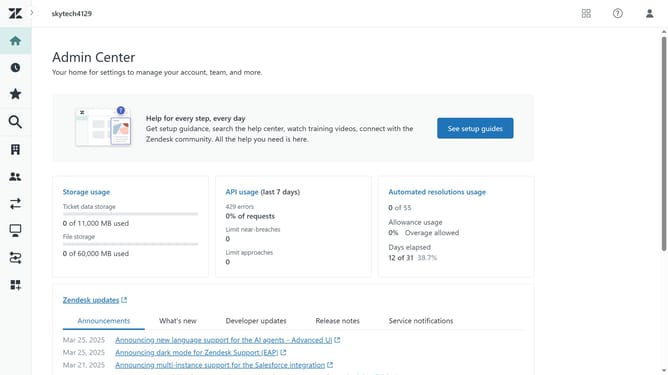
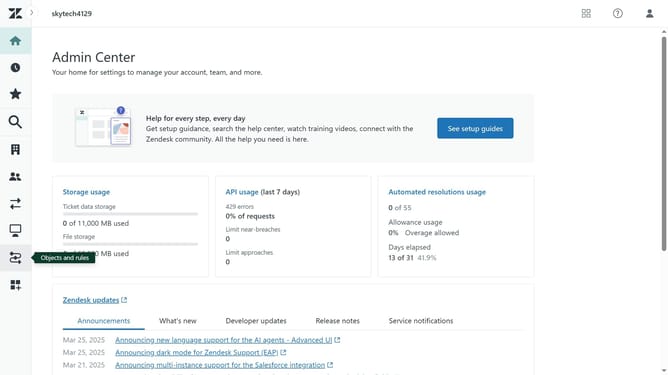
- First in Admin Center, click on the "People" icon in the left sidebar
- Then click on "Organization fields" under the Configuration section
- Next find the custom organization field you want to clone in the fields list
- Click on the options menu (three dots) next to it
- Select "Clone" from the dropdown options
- Then enter a new "Field name", update the "Field key", the description and field value if needed
- Finally click the "Save" button at the bottom of the form to create the cloned field
Why should you clone a custom organization field in Zendesk
Zendesk is a robust customer service platform designed to enhance organizational efficiency and customer satisfaction.
Cloning custom organization fields in Zendesk is a beneficial feature that allows for streamlined management of organizational data.
This feature provides users the convenience of duplicating fields easily, reducing the effort and time spent on manual data entry.
Efficient data management through this feature enhances consistency and accuracy across the organization, promoting a seamless customer service experience.
Last update