How to edit a custom ticket field in Zendesk
Here is how to edit a custom ticket field in zendesk
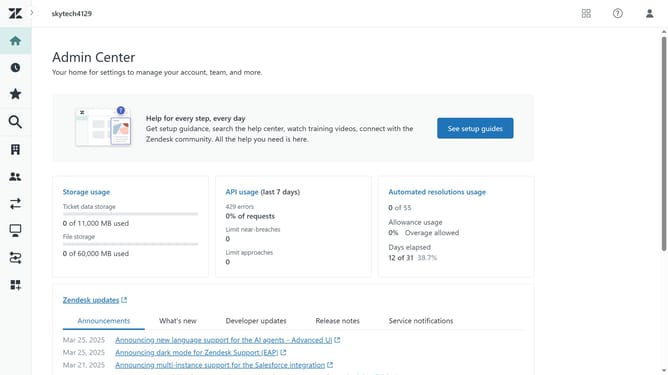
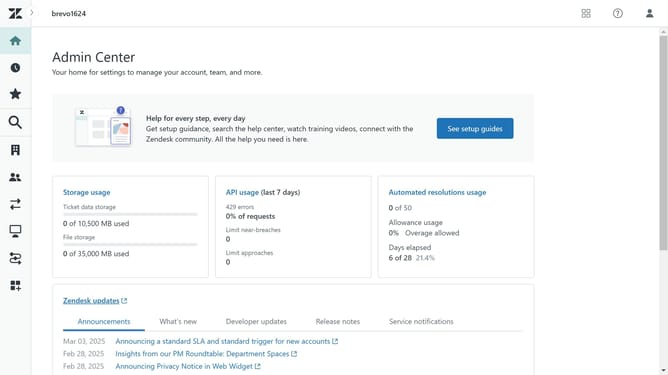
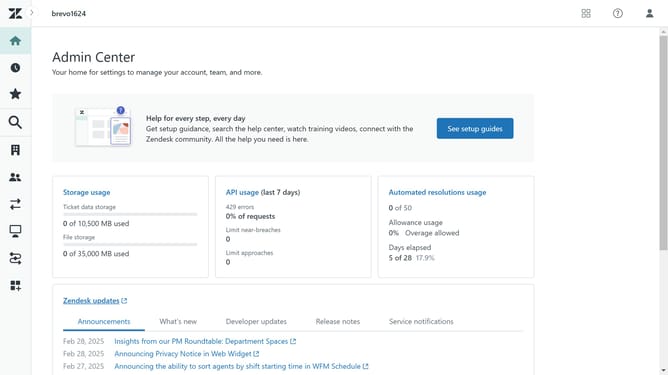
- First in Admin Center, click on the "Objects and rules" icon in the left sidebar
- Then click on "Fields" option under the Tickets section
- Next click on the custom field you want to edit in the fields list
- Make the necessary changes, such as updating the name, description
- Under the Permissions section, adjust access settings if needed
- If using a "Dropdown" or "Multi-Select" field, edit the field values if necessary
- Finally click the "Save" button to save the changes
Why should you edit a custom ticket field in Zendesk
Zendesk is a premier customer service platform designed to streamline support and enhance customer satisfaction.
Editing a custom ticket field in Zendesk empowers support teams to tailor data collection according to their specific needs. This feature ensures that customer interactions are not only recorded efficiently but are also rich with relevant information.
By customizing ticket fields, teams can maintain organized records, leading to more effective responses and a personalized customer experience.
Ultimately, this flexibility enhances operational efficiency and fosters improved customer relationships.
Last update