How to create a category in Zendesk Guide
Here is how to create a category in zendesk guide
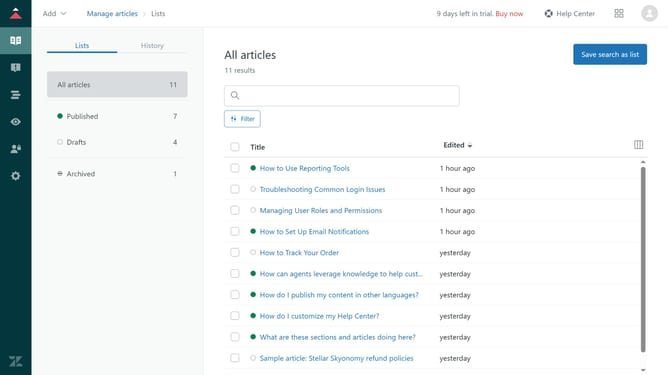
- First in Zendesk Guide, click on the "Add" dropdown button in the top navigation bar
- Then click on "Category" option from the dropdown menu
- In the name field, enter your category name
- Next enter the category description in the description text field
- In the left sidebar, click on the "Source language" dropdown arrow and select your preferred language
- Finally click on the "Add" button in the top-right corner to create the category
Why should you create a category in Zendesk Guide
Zendesk is an all-encompassing customer service platform designed to streamline support and boost customer satisfaction.
Creating a category in Zendesk Guide allows you to organize content efficiently, making it easier for users to find the information they need quickly.
This feature enhances user experience by minimizing search time and increasing the visibility of critical information.
Utilizing categories helps your team maintain a clear, intuitive, and effective knowledge base, ultimately promoting customer self-service and reducing support inquiries.
Last update