How to move an article to a different section in Help Center on Zendesk
Here is how to move an article to a different section in help center on zendesk
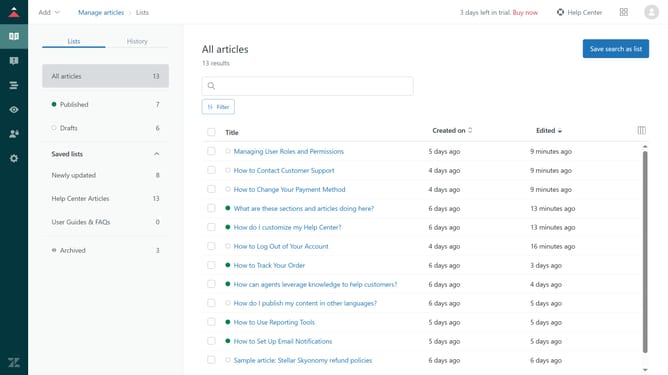
- First in Help Center, navigate to the category that currently contains the article you want to move
- Then, click on the article you wish to move from its current section
- Next click on "Edit article" button in the top navigation bar
- Click on the expand arrow in the Placement section located in the right sidebar
- Click on "Manage sections" button in the placement settings
- In the section selection modal, click the category that currently contains the article you want to move
- Select the new section you want to move the article to
- Then, click "OK" button to confirm section selection
- Finally, click "Update settings" button in the placement settings panel to save the changes
- The article has now been succesfully moved to the new section
Why should you move an article to a different section in Help Center on Zendesk
Zendesk is a versatile platform designed to enhance customer support experiences.
One beneficial feature in Zendesk’s Help Center is the ability to easily move articles to different sections. This flexibility ensures that content remains organized, making it simpler for customers to find the information they need.
Reorganizing content can lead to a more intuitive user experience, ultimately improving customer satisfaction and reducing support inquiries.
Efficiently managing the Help Center structure aids in maintaining a dynamic and accessible knowledge base.
Last update