How to permanently delete an end user in Zendesk
Here is how to permanently delete an end user in zendesk
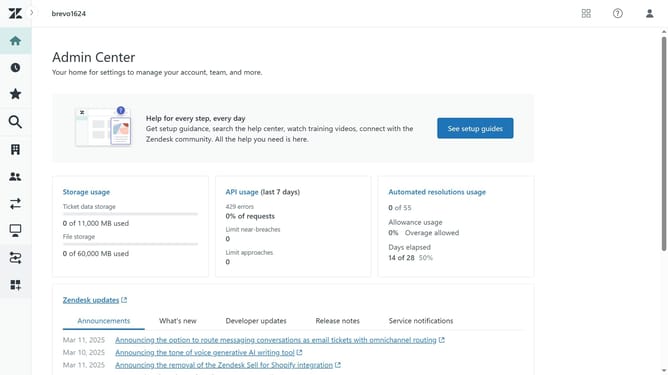
- First, in your Zendesk account, click on the "Zendesk Products" icon in the top-right corner of the header
- Then click on the "Admin Center" option in the dropdown menu
- Next, in the Admin Center, click on the "People" icon in the left sidebar
- Click on "Deleted users" under Deleted users section
- Click on the user you want to delete permanently from the list
- Finally, click on the "Delete user" button to confirm the deletion
- The end user has been permanently deleted from Zendesk, and cannot be restored anymore
Why should you permanently delete an end user in Zendesk
Zendesk is an intuitive platform designed to enhance customer interactions and support management.
The ability to permanently delete an end user in Zendesk ensures that your customer database remains clean and relevant.
This feature minimizes clutter and helps maintain data integrity, making it easier for support teams to focus on active issues.
Using this effectively can enhance privacy, meeting compliance standards and ensuring confidential information is not recoverable.
Last update