How to enable agents to access request forms in Zendesk Guide
Here is how to enable agents to access request forms in zendesk guide
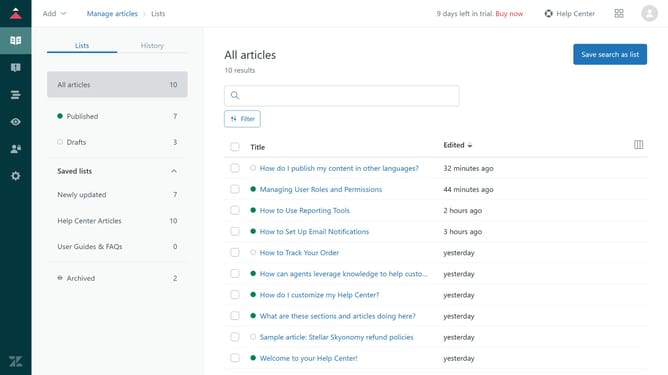
- First in Guide admin, click on "Settings" icon in the left sidebar
- Then click on "Guide settings" in the settings sidebar menu
- In Guide settings, scroll down and find the "Requests" section
- Next select the "Enable agents to manage requests from your help center" checkbox
- Finally, click on the "Update" button in the top-right corner to apply the changes
Why should you enable agents to access request forms in Zendesk Guide
Zendesk is a powerful platform designed to enhance customer support and streamline communication.
Allowing agents to access request forms within Zendesk Guide is a feature designed to increase efficiency and ensure seamless support operations. By enabling this feature, agents have the ability to directly view and manage customer inquiries and requests.
This streamlined access empowers agents, leading to quicker response times and improved customer satisfaction. Enhancing agent capabilities with direct access to request forms also fosters a more proactive and supportive service environment.
Last update