How to manually change the order of articles in Zendesk Guide Admin
Here is how to manually change the order of articles in zendesk guide admin
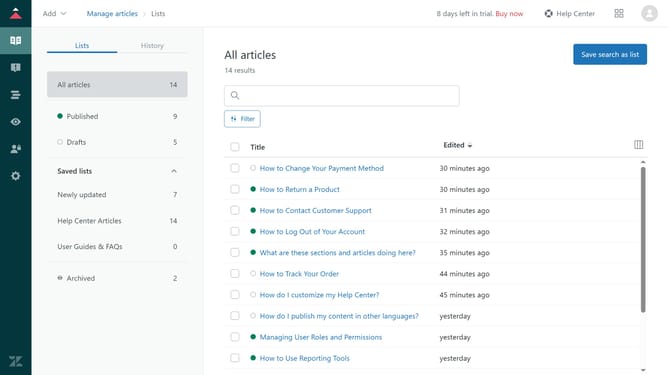
- First in Guide admin, click on the "Arrange content" icon in the left sidebar
- Then click on "Arrange articles" section in the left sidebar
- Next, click on the category name that contains the section where the article you want to order is located
- Navigate to the section that contains the articles you want to order
- Click and hold the article card you want to move
- Then drag it to the desired position. Repeat this process for any other articles that need to be ordered
Why should you manually change the order of articles in Zendesk Guide Admin
Zendesk is a versatile customer service platform designed to enhance customer interactions and streamline support operations.
Manually changing the order of articles in Zendesk Guide Admin allows you to organize content in a way that best suits your users' needs.
This feature ensures that the most relevant information is easily accessible, enhancing the user experience and speeding up issue resolution.
By tailoring the article order, you can keep your help center intuitive and efficient, ultimately improving customer satisfaction.
Last update