How to view article history in Zendesk Guide
Here is how to view article history in zendesk guide
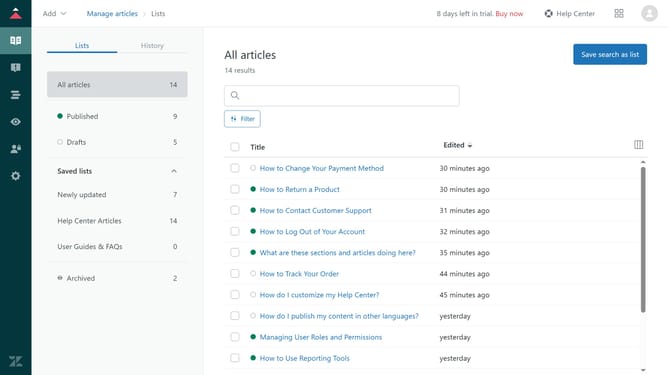
- First in Guide admin, click on "Manage Articles" in the left sidebar
- Then click on the "History" tab
- You will now see a detailed history of all changes made to all the articles, including timestamps and the user who made the changes
- You can enter a user name to see events or update by that user
- Apply filters as needed to view events or update by specific types of events
- FInally, click on any update to see specific edits that were made during that update in the history timeline
Why should you view article history in Zendesk Guide
Zendesk is a comprehensive customer service platform designed to enhance the customer experience through efficient support management.
The "View Article History" feature in Zendesk Guide allows you to easily see the complete edit history of any knowledge base article. This feature can be crucial for maintaining content integrity and ensuring accurate, up-to-date information is available for both customers and support agents.
Using article history helps teams track changes, collaborate more effectively, and revert to previous versions if needed, enhancing overall productivity and accountability. In turn, this ensures a seamless support experience by providing consistent, quality information.
Last update