How to export a dashboard in Zendesk Explore
Here is how to export a dashboard in zendesk explore
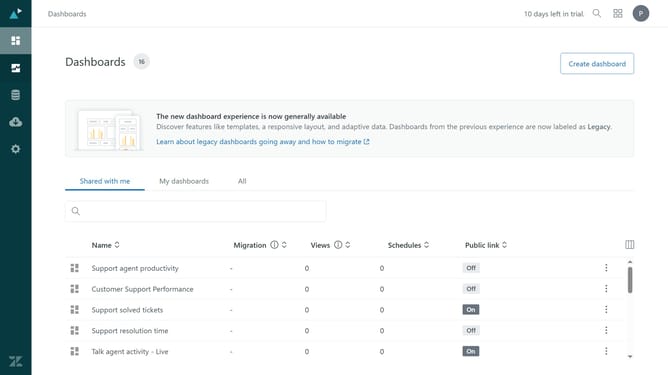
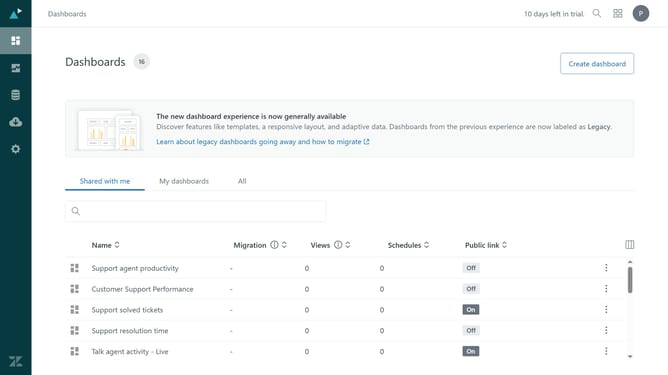
- First in Zendesk Explore, click on the "Dashboards" icon in the left sidebar
- Then click on the dashboard you want to export in the dashboard list
- Click the "Export dashboard" button in the top-right toolbar
- In the export dialog, select an export format of CSV, Excel, PNG, or PDF
- Finally, click the "Export dashboard" button to start the download
- The export process will begin, and the file will be downloaded shortly
Why should you export a dashboard in Zendesk Explore
Zendesk is a comprehensive customer service platform designed to enhance the interaction between businesses and their customers.
Exporting a dashboard in Zendesk Explore allows users to easily share detailed insights and data with their team or stakeholders.
This feature promotes efficient teamwork and informed decision-making by providing access to metrics and trends from the dashboard.
With a simple export, everyone stays aligned and informed, driving improved customer support and operational efficiency.
Last update