How to export the Talk dashboard in Zendesk
Here is how to export the talk dashboard in zendesk
- First click on the "Product menu" button in the top-right corner
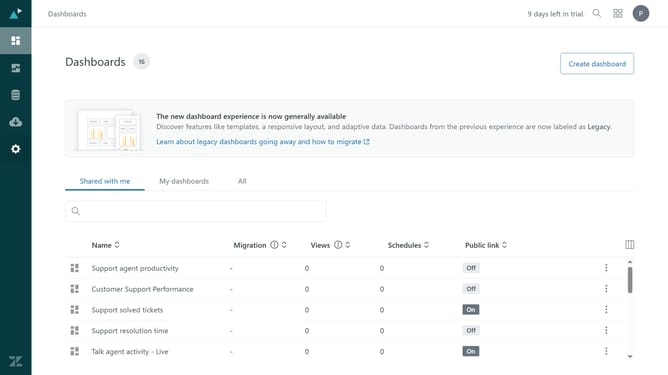
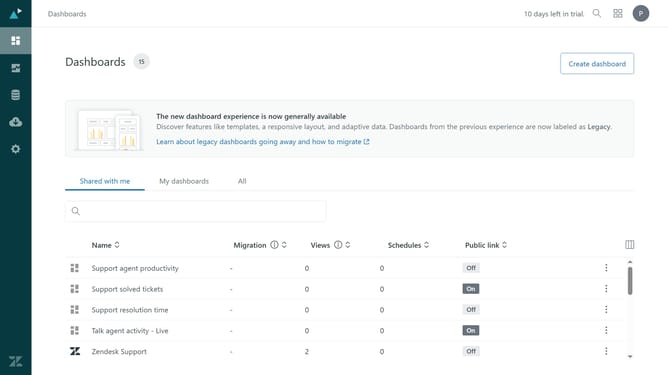
- Then click on "Analytics" option in the product menu dropdown
- In the Explore dashboards, click on "Zendesk Talk" item in the dashboard list
- Click on the "More" button in the top menu bar of the Zendesk Talk dashboard
- Select "Export" option from the More dropdown menu
- In the dialog box, select the file format you want
- Click on the quality dropdown
- From the quality dropdown list, select the quality you want for your file
- Finally click the "Export" button to confirm the export
Why should you export the Talk dashboard in Zendesk
Zendesk is a powerful customer service platform designed to enhance interaction and streamline operations.
One of its standout features is the ability to export the Talk dashboard, enabling businesses to easily gather and analyze communication data.
This feature supports informed decision-making and boosts efficiency by allowing users to obtain critical insights through simple data manipulation.
Effortlessly exporting this information helps in tracking performance metrics, improving customer engagement strategies, and maximizing overall operational effectiveness.
Last update