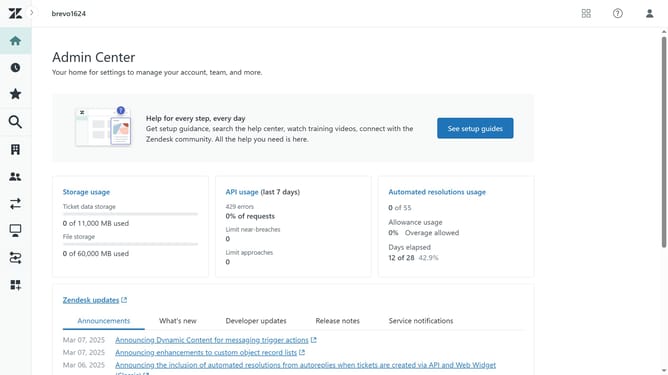
How to delete a comment on a community post in your Help Center in Zendesk
Here is how to delete a comment on a community post in your help center in zendesk
- First find and click on the community post that contains the comment
- Then scroll down to the comments section and find the one you want to remove
- Next click on the "Settings" icon (gear symbol) next to it
- Finally click on the "Delete" option in the comment dropdown menu
Why should you delete a comment on a community post in your Help Center in Zendesk
Zendesk is a comprehensive platform designed to enhance customer engagement and satisfaction effortlessly.
The ability to delete a comment on a community post in your Help Center is one of its features that emphasizes control and community management.
This function enables you to maintain a constructive and respectful environment, ensuring the content shared aligns with your community guidelines.
A streamlined process for comment moderation bolsters effective communication, crucial for nurturing a positive and thriving community on your Zendesk Help Center.
Last update