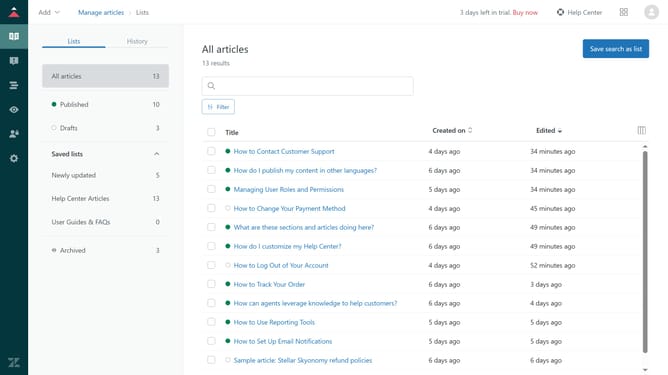
How to enable automatic tagging for tickets in Zendesk
Here is how to enable automatic tagging for tickets in zendesk
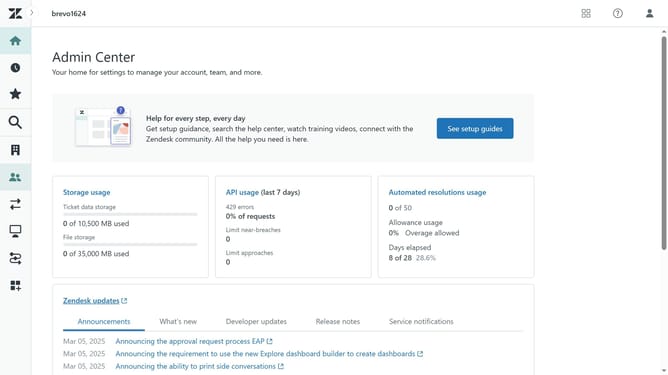
- First in Admin Center, click on the "Objects and rules" icon in the left sidebar
- Then click on "Settings" option under the Tickets section
- Next click on "Tickets" tab in the settings area
- Then scroll down and find the "Tags" section in the settings menu
- Next click on the "Enable automatic ticket tagging" checkbox to enable it
- Finally click on "Save tab" button at the bottom of the page to apply the changes
Why should you enable automatic tagging for tickets in Zendesk
Zendesk is a comprehensive customer service platform designed to enhance customer interactions and streamline support operations.
Enabling automatic tagging for tickets in Zendesk helps categorize and prioritize support requests efficiently. This feature intelligently assigns tags, allowing support teams to quickly identify common issues and track them effortlessly.
With automatic tagging, businesses can boost productivity and deliver faster resolutions. It aids in uncovering trends and continuously refining customer service strategies, leading to satisfied customers and optimized workflows.
Last update