How to enable content moderation for your Help Center in Zendesk Guide Admin
Here is how to enable content moderation for your help center in zendesk guide admin
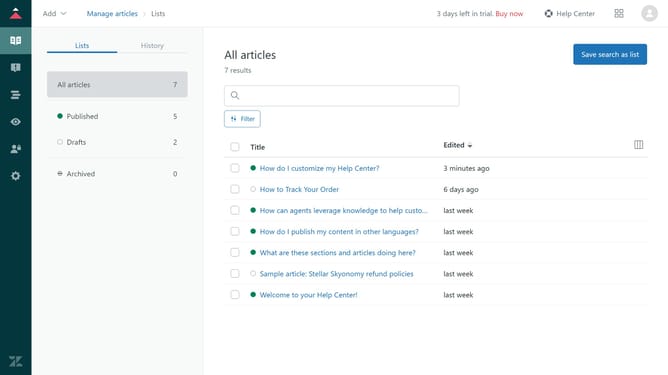
- First in Guide admin, click on the "Settings" icon in the left sidebar
- Then click on "Guide settings" in the left settings menu
- Locate the "Content management" section
- Then click on the "Content moderation" checkbox to enable content moderation
- Choose moderation settings options. If moderating by words, enter keywords that trigger the queue
- If moderating all content, new and edited posts and comments go to the queue
- Finally, after selecting your option, click "Update" to save the changes
Why should you enable content moderation for your Help Center in Zendesk Guide Admin
Zendesk is a dynamic customer service platform designed to streamline support interactions, enhancing customer experiences.
Enabling content moderation in Zendesk Guide Admin for your Help Center is a proactive feature that fosters a safe and engaging community environment.
This feature allows administrators to review and approve user-generated content before it's publicly visible, ensuring discussions align with community guidelines.
By leveraging content moderation, businesses can maintain content quality, fostering trust and credibility within their user community.
Last update