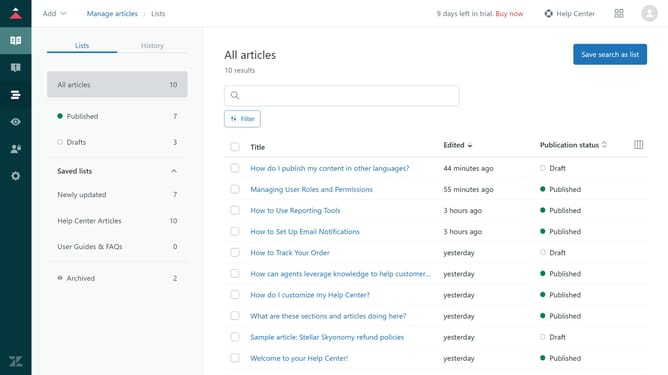
How to allow agents to manage articles in a topic in Zendesk Guide Admin
Here is how to allow agents to manage articles in a topic in zendesk guide admin
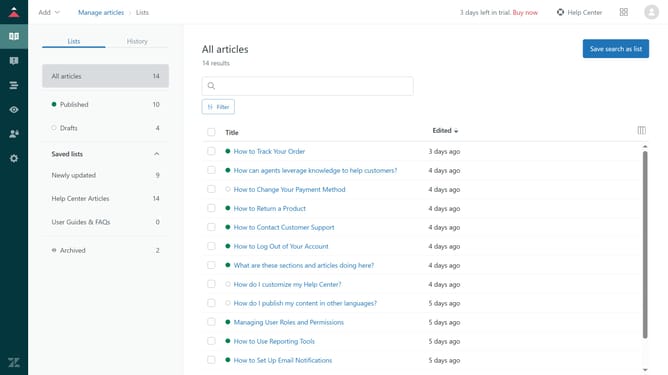
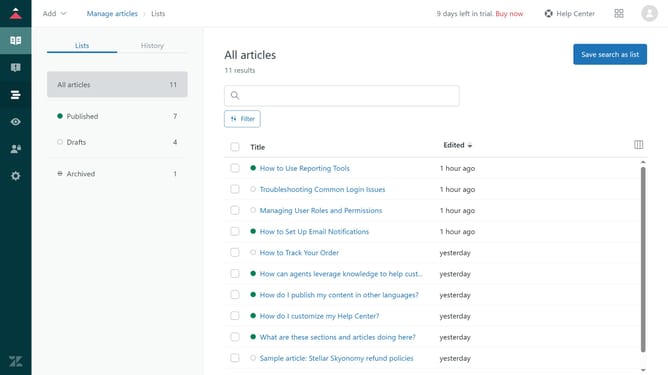
- First in Guide admin, click on the "Arrange content" icon in the left sidebar
- Then click on "Arrange topics" option in the left menu panel
- Next locate and click the topic where you want to allow agents to manage articles
- Click the dropdown menu under "Who can manage posts?"
- Select "Agents and admins" from the permissions dropdown menu
- Finally, click the 'Update' button in the top-right corner to save changes
- Agents can now edit or delete any post within the selected community topic
Why should you allow agents to manage articles in a topic in Zendesk Guide Admin
Zendesk is a leading customer service platform designed to enhance communication and support experiences.
Allowing agents to manage articles within a topic in Zendesk Guide Admin optimizes content relevance and accuracy. This feature empowers agents with the flexibility to refine and update information, ensuring customers always access the most updated resources.
By delegating control, organizations can facilitate more efficient knowledge management and rapid content iteration. This not only boosts customer satisfaction but also enhances the efficiency of internal operations.
Last update