How to remove links in articles in Zendesk
Here is how to remove links in articles in zendesk
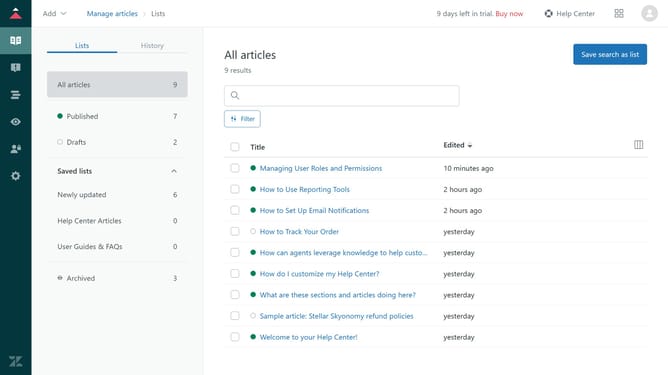
- First in "Manage articles", select the article you want to edit from the articles list
- Then highlight the link you want to remove in the article
- Next click on the "Link" icon in the top toolbar
- Click "Remove link" at the bottom of the dialog box
- Finally click the "Save" button in the bottom right to save the changes
- The link has successfully been removed in the article
Why should you remove links in articles in Zendesk
Zendesk is a leading customer service platform designed to improve customer interactions with simplicity and efficiency.
The ability to remove links in articles within Zendesk ensures content clarity and user-friendly navigation. By cleaning up unwanted hyperlinks, you enhance readability and maintain focus on key information.
This feature streamlines article management by allowing you to preserve the integrity of your knowledge base, ensuring accurate, up-to-date information is always presented to Zendesk users.
Last update