How to create a section in Zendesk Guide
Here is how to create a section in zendesk guide
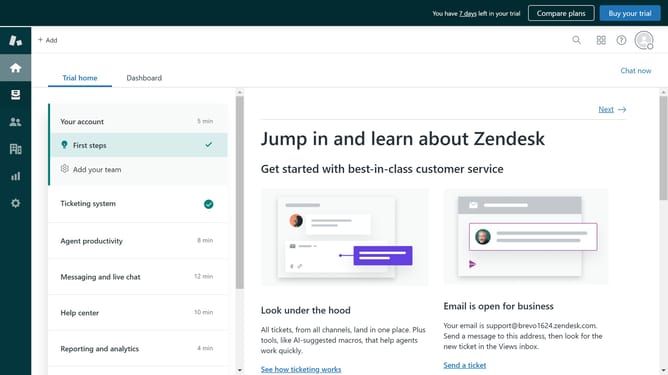
- First in Zendesk Guide, click on the "Add" dropdown button in the top header
- Then click on "Section" option from the dropdown menu
- Enter the "Section name" in the Name field
- Type a brief description in the Description field
- Next in the left sidebar and set your desired settings for source language, order, and hierarchy as needed
- Finally click the "Add" button in the top right corner to create the section
Why should you create a section in Zendesk Guide
Zendesk is a streamlined platform designed to enhance customer service management.
Creating a section in Zendesk Guide empowers organizations to organize content effectively and ensure seamless navigation for users. This feature enhances user experience by categorizing information intuitively, making it easier for customers to find solutions swiftly.
By structuring your content into sections, you drive increased engagement and reduce response time, which in turn boosts customer satisfaction and loyalty. Enjoy the benefits of a clean, organized, and professional-looking help center that truly supports your customers' needs.
Last update