How to integrate Zendesk with GitHub
Here is how to integrate zendesk with github
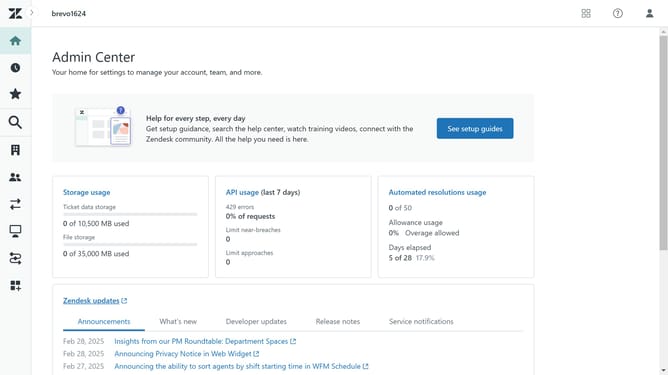
- First click on the "Apps and integrations" item in the left sidebar
- Then click on "Zendesk Support apps" under Apps section
- Next click on "Marketplace" button in the top right corner
- Enter "Github" in the search field under Keywords
- Click on the "Github Integration By Integratecloud" app card
- Click the "Install" button in the top right corner
- Enter your Zendesk domain name in the text field
- Click the "Sign in" button to proceed
- Review the installation settings in the installation form
- Finally, click on "Install" button to complete the app installation
- Your Zendesk account will now be successfully connected to Github
Why should you integrate Zendesk with GitHub
Zendesk is a powerful customer service platform designed to elevate support and satisfaction.
Integrating Zendesk with GitHub seamlessly bridges the gap between your support team and development team, ensuring that customer feedback is directly addressed in your development cycle.
This integration empowers teams to efficiently track and close issues without leaving either platform, enhancing collaboration and streamlining workflows.
The result is a more responsive customer support system that leverages real-time insights, improving product quality and customer happiness.
Last update