How to activate agent collaboration for messaging conversations in Zendesk
Here is how to activate agent collaboration for messaging conversations in zendesk
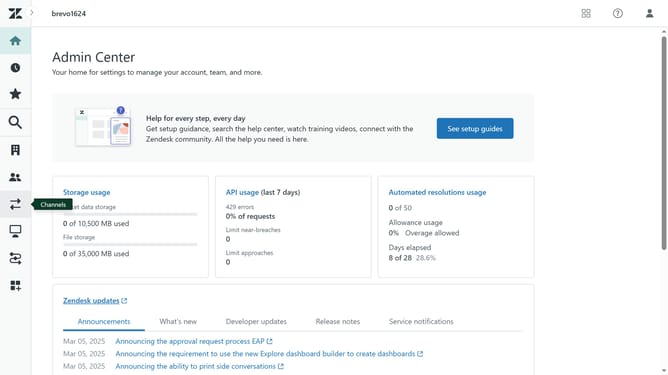
- First in Admin Center, click on the "Objects and rules" option in the left sidebar
- Then click on "Settings" under the Ticktes section
- Next click on the "Settings" tab in the Tickets section
- In the Agent collaboration section, locate the "Agent collaboration for messaging" settings
- Then click the checkbox for "Multiple agents can collaborate in messaging conversations"
- Finally click the "Save tab" button at the bottom to apply the changes
Why should you activate agent collaboration for messaging conversations in Zendesk
Zendesk is a comprehensive customer service platform designed to enhance communication and support.
Activating agent collaboration for messaging conversations in Zendesk empowers teams to work together seamlessly.
This collaborative feature enables agents to share insights and solutions swiftly, ensuring a smoother customer experience.
By fostering effective teamwork, companies can resolve queries faster and boost customer satisfaction effortlessly.
Last update