How to delete tasks in Zendesk Sell
Here is how to delete tasks in zendesk sell
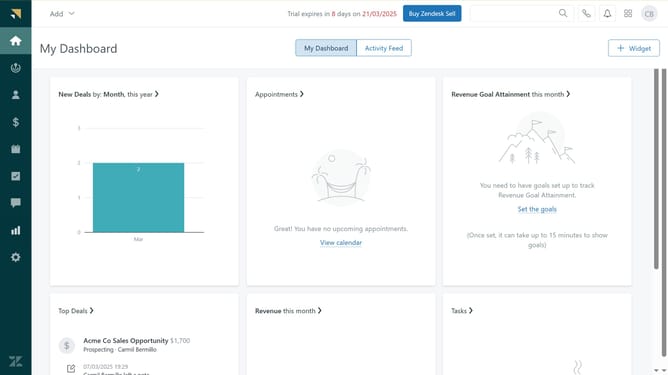
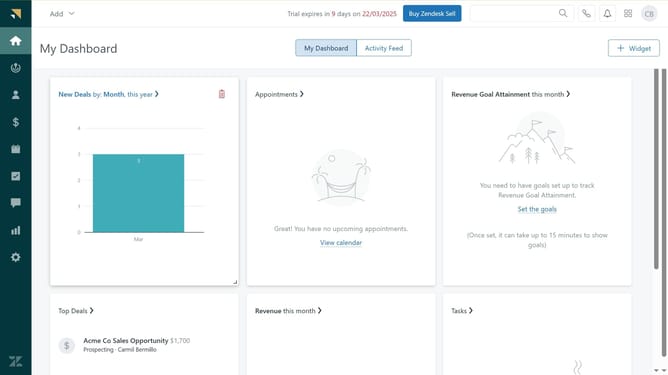
- First in Zendesk sell, click on the "Tasks" icon in the left sidebar
- Then click on the checkboxes of the tasks you want to delete to select them
- Next click on the "Delete" button in the task action bar
- Alternatively, click on the "Trash bin" icon next to the task you want to delete
- Finally click on the "Delete" button in the confirmation popup to permanently remove the task
Why should you delete tasks in Zendesk Sell
Zendesk is a robust platform designed to enhance customer relationships through powerful support and sales tools.
In Zendesk Sell, the ability to delete tasks ensures a streamlined workflow, allowing users to maintain focus on higher priority items.
By removing outdated or unnecessary tasks, teams can prevent clutter, ensuring that pivotal tasks receive the attention they deserve.
Efficiently managing the task list aids in better time management and increases overall productivity, helping teams achieve their sales goals effectively.
Last update