How to require registration for anybody submitting tickets in Zendesk
Here is how to require registration for anybody submitting tickets in zendesk
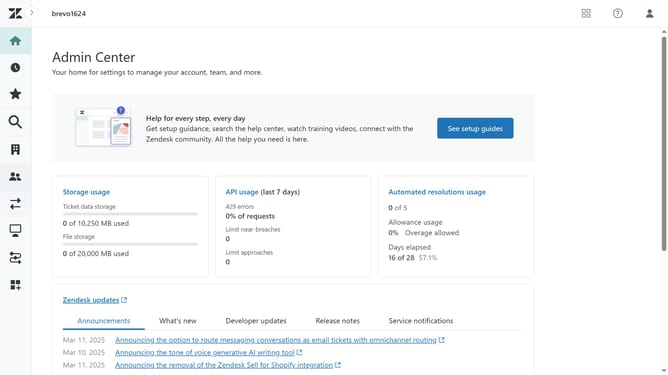
- First in the Admin Center, click on "People" in the left sidebar menu
- Then click on "End users" under the Configuration section
- Next click on the "Settings" tab in the End users section
- Click the "Enabled" checkbox under "Anybody can submit tickets" to allow anybody to submit tickets
- Then click the "Ask users to register" checkbox to require registration
- Finally click on the "Save tab" button at the bottom of the page to save and apply changes
Why should you require registration for anybody submitting tickets in Zendesk
Zendesk is a dynamic customer service platform designed to enhance communication and streamline support solutions.
One notable feature of Zendesk is the ability to require registration for ticket submissions, which ensures that all interactions are authenticated and secure.
Requiring registration enhances customer support efficiency by allowing teams to track user history, providing a personalized and seamless experience.
Moreover, it helps filter out spam and unauthorized queries, ensuring that customer service agents can focus on valid and valuable interactions.
Last update