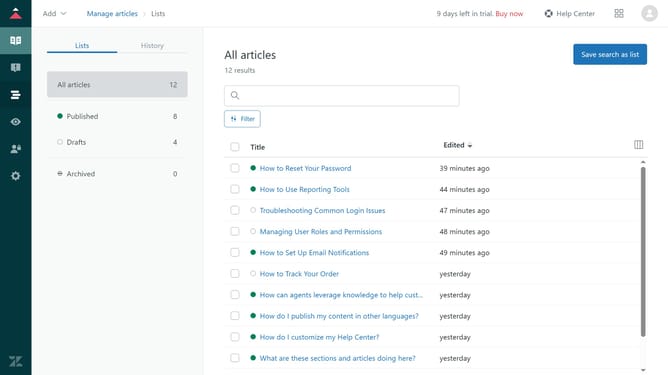
How to enable API token access in Zendesk
Here is how to enable api token access in zendesk
- First click on "Apps and integrations" in the left sidebar
- Then click on "Zendesk API" under APIs section
- Next click on the "Settings" tab in the top navigation bar
- Finally toggle the "Token access" switch to enable API token access
Why should you enable API token access in Zendesk
Zendesk is a versatile platform designed to enhance customer support and engagement effortlessly.
Enabling API token access in Zendesk adds a new layer of flexibility to seamlessly integrate third-party applications with your helpdesk operations.
This feature opens up endless possibilities for automation, data exchange, and custom development, allowing you to tailor your CRM experience precisely to your business needs.
API tokens are secure and can be managed with ease, ensuring control and reliability as you enhance your workflow.
Last update