How to give yourself access to Zendesk Explore
Here is how to give yourself access to zendesk explore
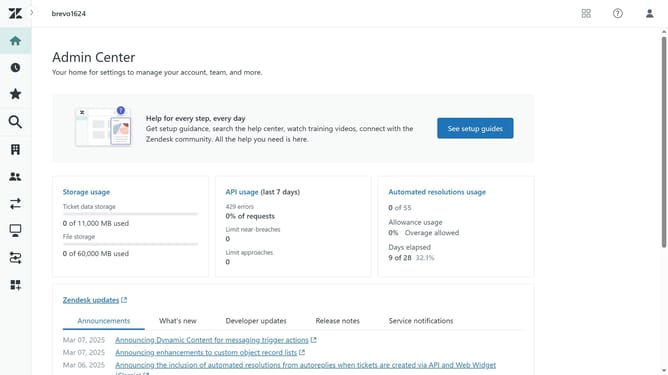
- First in Admin Center, click on the "People" icon in the left sidebar menu
- Then click on "Team members" under the Team section
- Next click on your account in the team member list
- Then click on the "Roles and access" tab in the user profile
- Next click to enable the checkbox for "explore" access
- Then click on the dropdown menu for "explore" role and select "Admin"
- Finally click the "Save" button at the bottom right of the page
Why should you give yourself access to Zendesk Explore
Zendesk is a powerful customer service platform designed to streamline and enhance customer interactions.
Gaining access to Zendesk Explore unlocks a suite of analytical tools that can transform your customer data into actionable insights. By enabling yourself to explore these features, you empower your team with the ability to make informed decisions based on real-time data.
The benefits of using Zendesk Explore include improved customer satisfaction, optimized operations, and a comprehensive understanding of customer behaviors and trends. This access boosts your capabilities in making strategic improvements to your service delivery.
Last update