How to view the Search settings in Zendesk
Here is how to view the search settings in zendesk
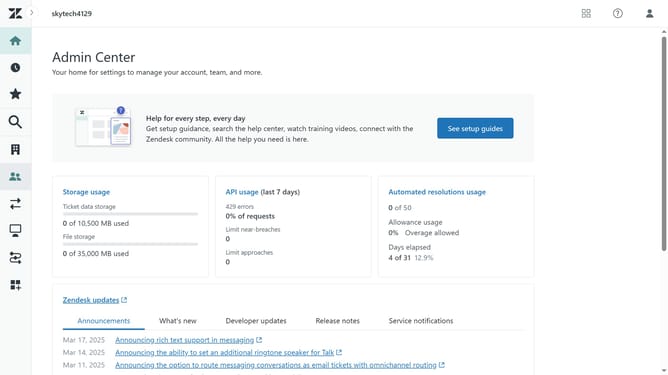
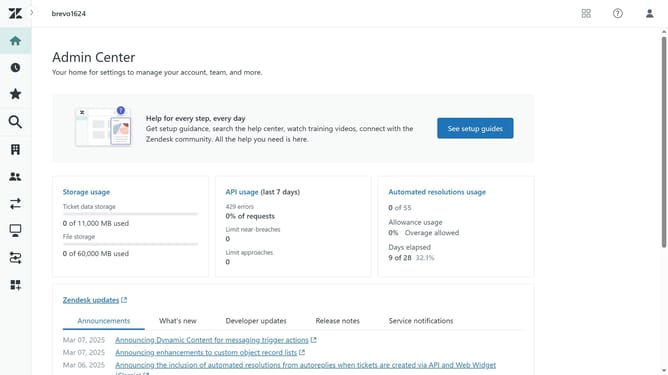
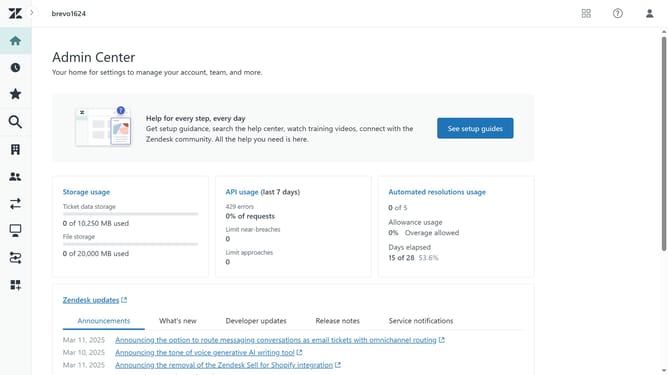
- First click on the "Zendesk products" icon in the top-right corner of the Admin Center page
- Then click on the "Knowledge" option in the dropdown menu
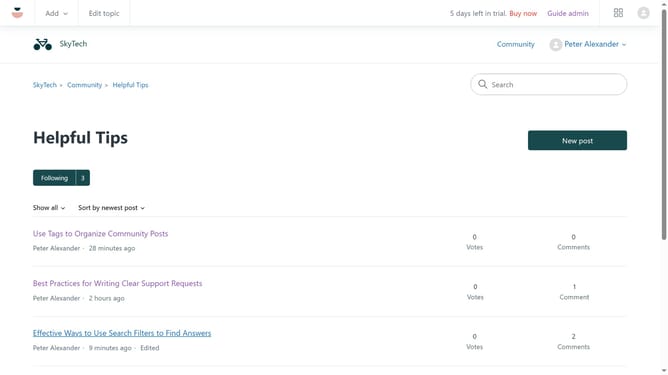
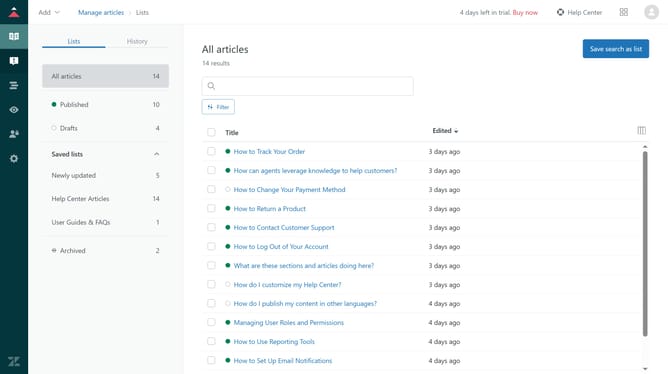
- Click on the "Guide admin" button in the top-right corner of the page
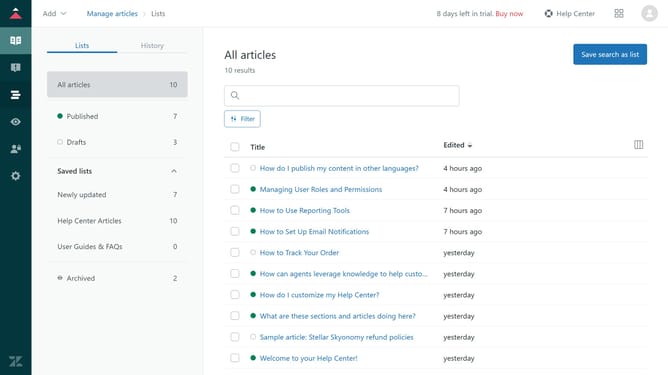
- Next click on the "Settings" icon in the left sidebar navigation
- Finally, click on "Search settings" in the left settings menu
- Now, in the search settings page, click "Manage" on a search setting to open it
Why should you view the Search settings in Zendesk
Zendesk is a powerful solution designed to streamline customer service through an integrated support suite.
Accessing the Search settings in Zendesk empowers teams to tailor search functionalities to meet their unique needs. This feature ensures that users can find relevant information efficiently, enhancing customer service operations.
By customizing these settings, businesses can improve the accuracy and speed of information retrieval. This ultimately leads to quicker response times and better customer satisfaction.
Last update