How to create a shared email template in Zendesk Sell
Here is how to create a shared email template in zendesk sell
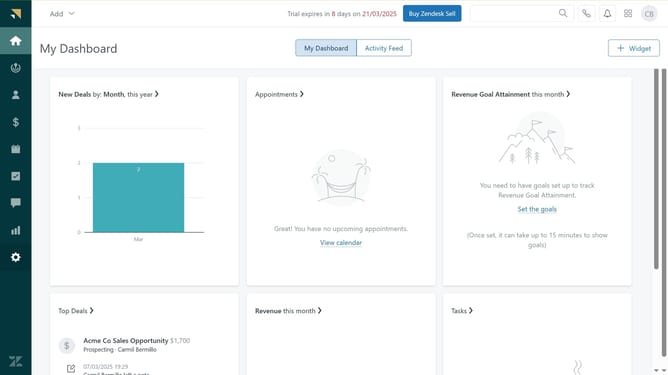
- First in Zendesk sell, click on the "Settings" icon in the left sidebar
- Then click on "Email templates" under the Customize section
- Click on the "Templates" tab in the main content area
- Click on "Add template" button in the center of the screen
- In the modal window, enter the name of the new template in the template name field
- Add tags in the tags field
- Enable "Share with everyone" checkbox option to ensure the template is public in your account
- Enter the subject line in the subject field
- Then type the message body in the main editor
- Finally click "Save" button at the bottom to save the new template
Why should you create a shared email template in Zendesk Sell
Zendesk is a comprehensive platform designed to enhance customer relationships through effective management solutions.
Creating a shared email template in Zendesk Sell allows teams to maintain consistency in communication effortlessly. This feature streamlines processes by saving time and ensuring all team members are aligned with the company's messaging.
By utilizing shared email templates, teams can quickly and efficiently respond to leads, providing a cohesive and professional customer experience. This improves productivity and enhances customer satisfaction.
Last update