How to move a live community post for moderation in your Help Center in Zendesk
Here is how to move a live community post for moderation in your help center in zendesk
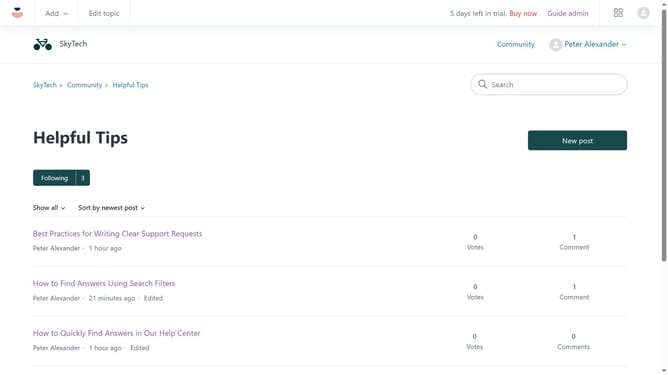
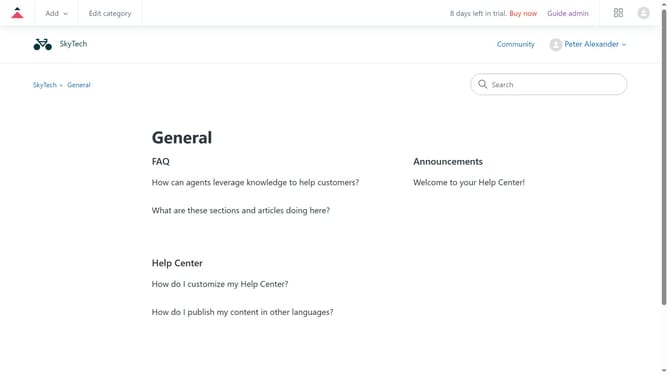
- First navigate to your Help Center, find and click on the community post you want to moderate
- Then click on the "Settings" icon in the post options menu
- Next click on "Hide for moderation" option in the dropdown menu
- The post is now hidden from the community, however Guide Managers can review it in the moderation queue and take action
Why should you move a live community post for moderation in your Help Center in Zendesk
Zendesk is a dynamic platform designed to enhance customer relationships through efficient support and intuitive community features.
A key feature in Zendesk is the ability to move live community posts for moderation in your Help Center. This feature enables moderators to seamlessly manage and organize community content, ensuring it aligns with your guidelines and standards.
By utilizing this feature, you maintain a constructive and safe environment for users, which enhances community trust and engagement.
Last update