How to feature a community post in your Help Center in Zendesk
Here is how to feature a community post in your help center in zendesk
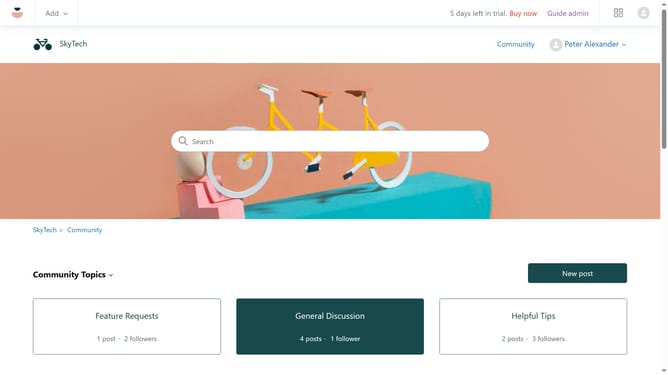
- First navigate to your Help Center, find and click on the community post you want to edit
- Then click on the "Settings" (gear icon) in the post options menu
- Finally select "Feature post" option from the dropdown menu
Why should you feature a community post in your Help Center in Zendesk
Zendesk is a powerful platform that transforms customer service operations with ease and efficiency.
Featuring a community post in your Help Center allows you to highlight valuable insights and expert knowledge shared by your community, giving it the attention it deserves.
This feature enriches your Help Center by surfacing diverse and beneficial content, fostering a sense of community engagement and shared learning.
Highlighting community contributions also motivates users to actively participate, enhancing the overall knowledge base and improving customer satisfaction.
Last update