How to sort the list of triggers in Zendesk
Here is how to sort the list of triggers in zendesk
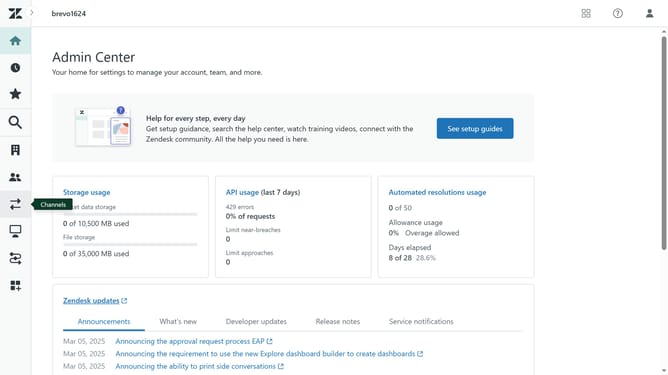
- First in Admin Center, click on "Objects and rules" in the left sidebar
- Then click on "Triggers" under Business rules
- Click on the "Ticket" tab in the triggers view
- Next click the "Column settings" icon in the top-right corner of the triggers table
- The "Show and hide columns" menu will appear
- Then select your desire columns header to sort the triggers
- Once done, your triggers will now be sorted based on your selected criteria
Why should you sort the list of triggers in Zendesk
Zendesk is a robust platform designed to improve customer service interactions and streamline support operations.
One vital feature of Zendesk is the ability to sort the list of triggers effectively. This offers agents a systematic way to prioritize and manage automated actions, ensuring smooth and efficient workflow within the support system.
Utilizing the sorting feature can significantly enhance productivity by organizing triggers according to importance or usage frequency. This helps support teams quickly access necessary automations, leading to faster issue resolution and higher customer satisfaction.
Last update