How to allow users to add content tags to community posts in Zendesk Guide Admin
Here is how to allow users to add content tags to community posts in zendesk guide admin
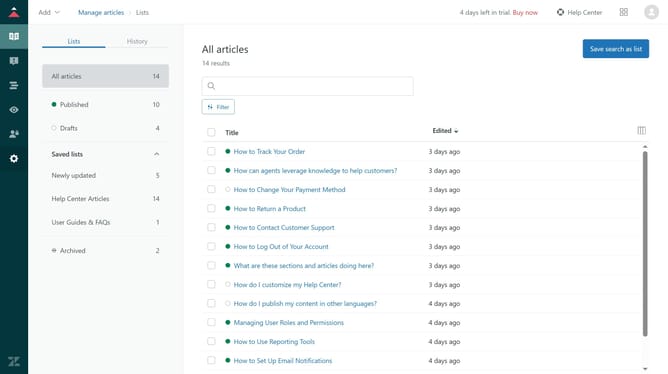
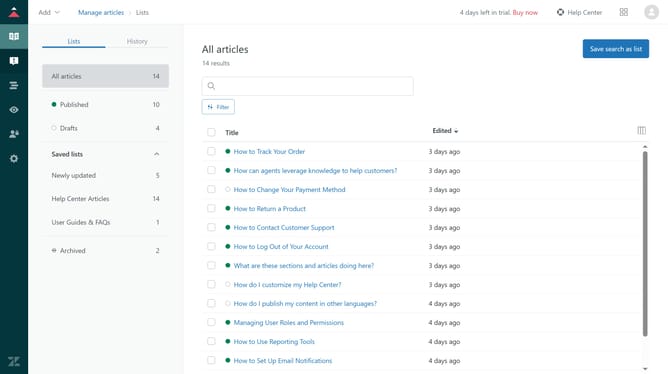
- First in Guide admin, click on "Settings" icon in the left sidebar
- Then click on "Gather settings" option in the left settings menu
- Next select the "Allow all users to add content tags to their community posts" checkbox to enable it
- Finally, click on the "Save" button in the top-right corner to apply the changes
Why should you allow users to add content tags to community posts in Zendesk Guide Admin
Zendesk is a robust platform designed to enhance customer service experiences and streamline support operations.
Allowing users to add content tags to community posts in Zendesk Guide Admin enriches user engagement and knowledge management.
This feature enables quicker searchability and categorization of content, fostering a more organized community space.
By leveraging content tags, businesses can improve content discoverability, leading to enhanced user satisfaction and increased interaction efficiency.
Last update