How to remove the Powered by Zendesk logo in Zendesk Guide
Here is how to remove the powered by zendesk logo in zendesk guide
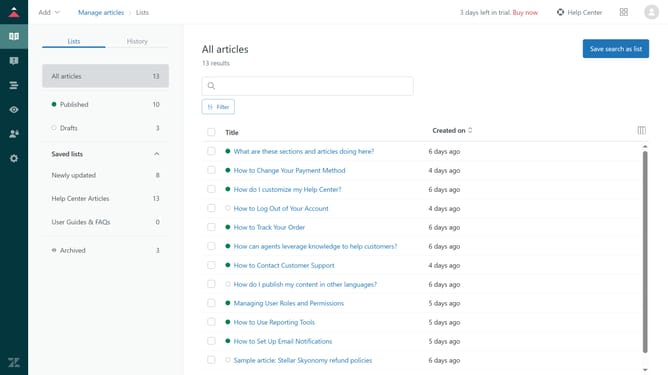
- First in Guide admin, click on "Settings" icon in the left sidebar
- Then click on "Guide settings" tab in the settings sidebar menu
- In Guide settings, scroll down and find the "Requests" section
- Next uncheck the "Powered by Zendesk logo" checkbox
- Finally, click on the "Update" button in the top-right corner to apply the changes
- The Powered by Zendesk logo will no longer be displayed on your help center
Why should you remove the Powered by Zendesk logo in Zendesk Guide
Zendesk is a powerful tool designed to elevate your customer service experience seamlessly.
One useful feature within Zendesk Guide is the ability to remove the "Powered by Zendesk" logo, which can make your help center appear more personalized and integrated with your brand identity.
Utilizing this feature enhances the professional appearance of your service platform and fosters a more cohesive experience for your users.
This subtle change strengthens branding efforts, emphasizing your unique identity and commitment to a tailored customer support experience.
Last update