How to clone a custom ticket field in Zendesk
Here is how to clone a custom ticket field in zendesk
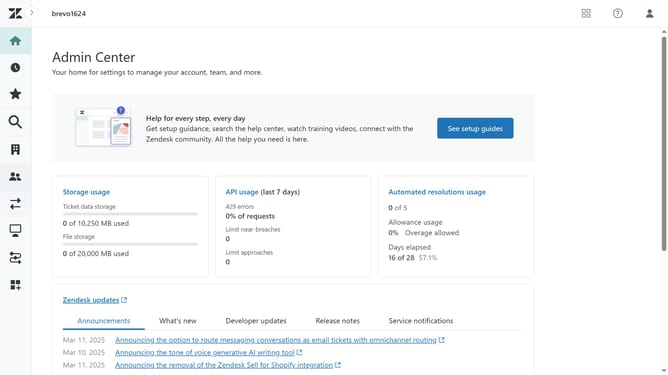
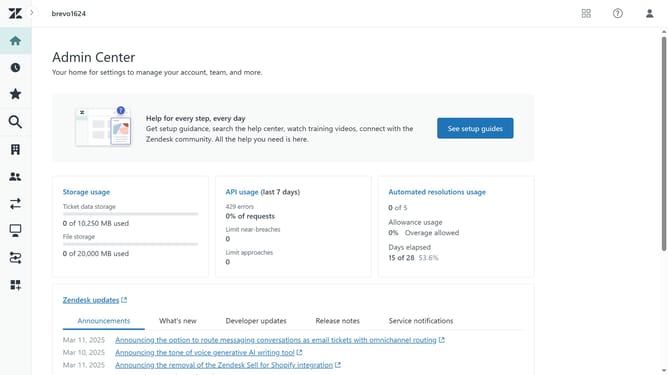
- First in Admin Center, click on the "Objects and rules" icon in the left sidebar
- Then click on "Fields" option under the Tickets section
- Next find the custom field you want to clone in the fields list
- Click the options menu (three dots) next to the field
- Select "Clone" from the dropdown menu
- Enter a new field name in the "Display name" field and modify the Description, Values, or Permissions as needed
- Finally click the "Save" button to create the cloned field
Why should you clone a custom ticket field in Zendesk
Zendesk is a versatile customer service platform designed to enhance customer interactions and streamline support processes.
One of its standout features is the ability to clone a custom ticket field, offering users a seamless way to duplicate existing fields. This functionality allows for quick replication, saving time and ensuring consistency across various support tickets.
By using the cloning feature, businesses can maintain uniformity in ticket fields, improving data accuracy and efficiency in customer interactions. This contributes to a smoother workflow and a more organized support system.
Last update