How to view the list of published articles in Zendesk Guide Admin
Here is how to view the list of published articles in zendesk guide admin
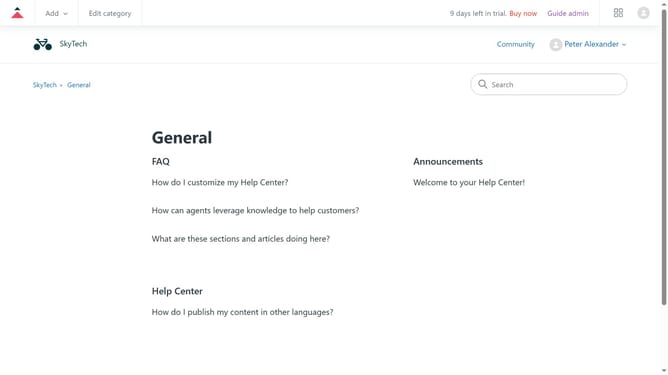
- First in Guide admin, click on the "Manage Articles" icon in the left sidebar
- Next click on the "Lists" tab in the top navigation bar
- Then click on the "Published" filter option in the left sidebar to display all live articles
- Browse through the list or use the search bar to find a specific article. You can also apply filters to refine your search
Why should you view the list of published articles in Zendesk Guide Admin
Zendesk is your go-to platform for seamless and efficient customer service management.
Within Zendesk Guide Admin, viewing a list of published articles is straightforward and intuitive. This feature serves as a centralized hub for accessing all articles, ensuring you have a comprehensive overview at your fingertips.
The ability to swiftly locate and review published content improves efficiency, enabling content managers to maintain up-to-date and accurate information. This promotes a consistent customer experience, enhancing trust and satisfaction.
Last update