How to activate your Help Center in Zendesk Guide
Here is how to activate your help center in zendesk guide
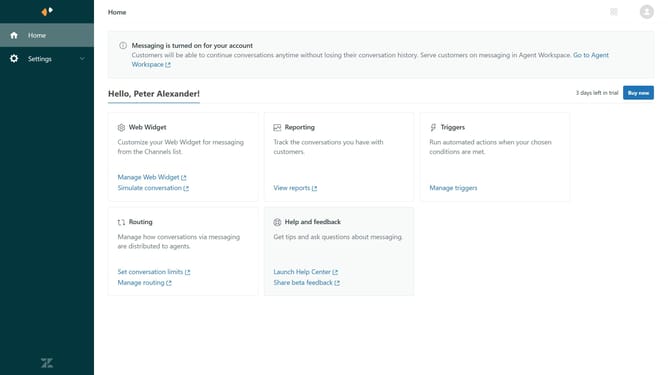
- First in Guide admin, click on "Settings" icon in the left sidebar
- Then click on "Guide settings" tab in the settings sidebar menu
- Next click on the "Activate" button in the top section of the page
- Finally, click the "Activate" button in the confirmation dialog box
- The Help Center is now active and available to your end users
Why should you activate your Help Center in Zendesk Guide
Zendesk is a powerful platform designed to enhance customer support and streamline communications.
Activating your Help Center in Zendesk Guide transforms your customer interactions by providing a centralized hub for support information.
This feature helps customers find answers independently, reducing the strain on your support team. Furthermore, it empowers users with instant access to FAQs and guides, enhancing their overall experience.
Utilizing this service not only boosts customer satisfaction but also optimizes workflow efficiency.
Last update