How to receive notifications for the content moderation queue in Zendesk
Here is how to receive notifications for the content moderation queue in zendesk
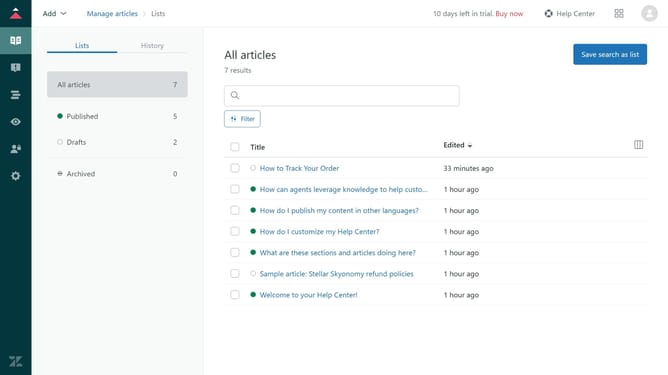
- First in Guide admin, click on the "Moderate content" icon in the left sidebar
- Then click on "User content" tab in the sidebar menu
- Next click on the "Follow" button in the top-right corner
- You’ll now get notified about posts or comments in the content moderation queue
Why should you receive notifications for the content moderation queue in Zendesk
Zendesk is a powerful tool for enhancing customer communication and support systems.
Receiving notifications for the content moderation queue in Zendesk Guide helps streamline your content management process.
This feature ensures you are instantly alerted to any new submissions requiring review, saving you valuable time and maintaining the quality of your published content.
By staying on top of content moderation, you ensure your help center remains a reliable and accurate resource for users.
Last update