How to edit a category in Zendesk Guide Admin
Here is how to edit a category in zendesk guide admin
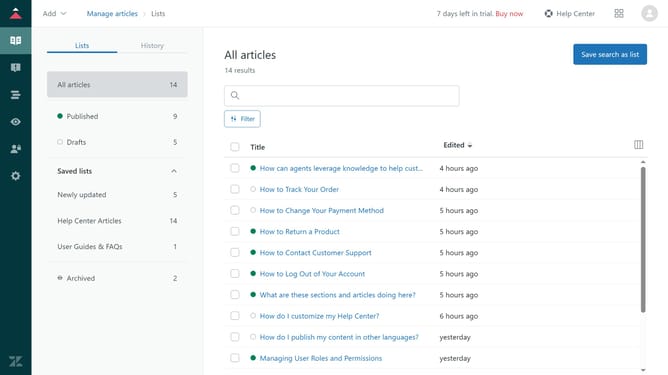
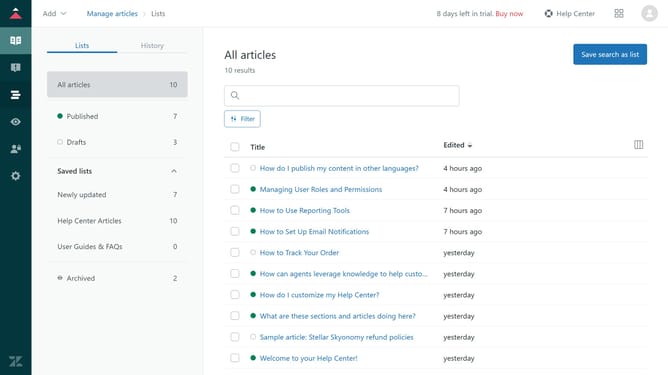
- First in Guide admin, click on the "Arrange content" icon in the left sidebar
- Then click on the "More options" menu (three dots) button next to the category you want to edit
- Next click on "Edit category" option from the dropdown menu
- In the edit category form, update the category name or description as needed
- Finally, click on "Update" in the top-right corner to save your changes
Why should you edit a category in Zendesk Guide Admin
Zendesk offers a robust platform designed to enhance customer support and streamline communication.
Editing a category in Zendesk Guide Admin allows for precise customization of your help center's structure. By refining categories, you ensure that users can swiftly find relevant information, improving overall user experience.
This feature enhances your team's ability to maintain an organized knowledge base, which leads to increased customer satisfaction and efficiency in resolving inquiries.
Last update