How to change the password security level for end users in Zendesk
Here is how to change the password security level for end users in zendesk
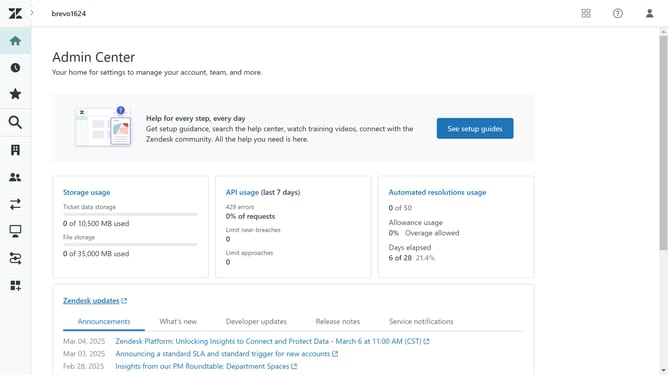
- First in the Admin Center, click on the "Account" icon in the left sidebar
- Then click "End user authentication" from the Security submenu
- Next click on the password level dropdown menu
- Select your desire security level from the password level dropdown options
- Finally, click the "Save" button at the bottom right to apply the changes
Why should you change the password security level for end users in Zendesk
Zendesk is an innovative customer service platform designed to enhance customer interactions and streamline support.
The ability to change the password security level for end users in Zendesk is a versatile feature that heightens the security of user accounts. By adjusting security levels, organizations can ensure that user credentials remain protected against unauthorized access.
This feature provides a vital layer of security tailored to different organizational needs, bolstering user confidence and compliance with security standards.
Last update