How to merge duplicate end-user accounts in Zendesk
Here is how to merge duplicate end-user accounts in zendesk
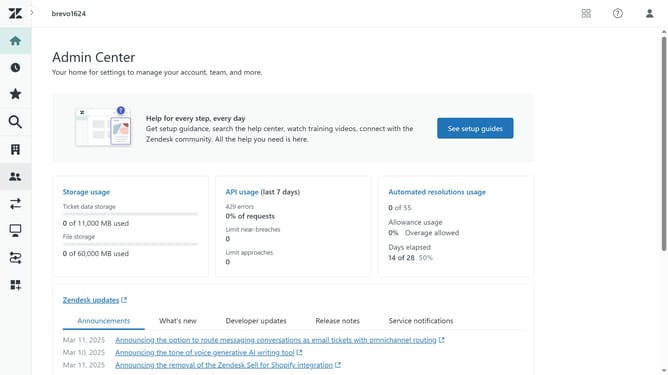
- First click on the "People" icon in the left sidebar
- Then enter name of the user you want to merge in the search box
- Select the user in the search results
- Next, click the dropdown arrow next to "New Ticket" button in the top right
- Select "Merge into another user" option from the dropdown menu
- Click in the search field and enter the user's name you want to merge
- Next select it from the search results
- Click the "Merge" button to proceed
- Finaly, click the "Confirm and Merge" button in the confirmation dialog to confirm the merge
Why should you merge duplicate end-user accounts in Zendesk
Zendesk is a robust customer service platform designed to simplify interactions and improve customer satisfaction.
One standout feature of Zendesk is its ability to merge duplicate end-user accounts effortlessly.
This feature streamlines user data, ensuring all interactions are accurately linked to a single profile. This benefits teams by reducing confusion and enhancing efficiency in customer interactions.
By eliminating redundant accounts, businesses not only save time but also maintain clean, organized data, allowing for personalized and seamless customer experiences.
Last update