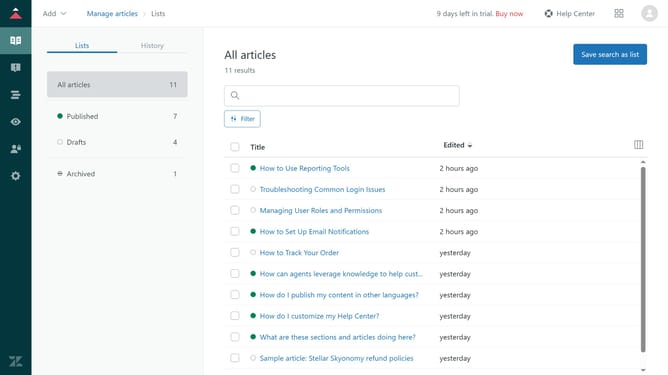
How to save your working list as a smart list in Zendesk Sell
Here is how to save your working list as a smart list in zendesk sell
- First in the left sidebar, select Leads, Contacts, or Deals to choose the data view you want to save as a smart list
- Then click on the "Save as Smart List" button in the top toolbar
- In the popup dialog, enter the name of the new smart list in the name input field
- Finally click the "OK" button in the popup dialog to save the smart list
Why should you save your working list as a smart list in Zendesk Sell
Zendesk Sell is a powerful sales tool designed to optimize and streamline your sales process.
One of its standout features is the ability to save your working lists as smart lists, a functionality that enhances your workflow efficiency.
By saving your working list as a smart list, you ensure that your critical sales data is always organized and accessible.
This feature allows you to quickly adapt to changes, make informed decisions, and stay on top of your sales game, leading to improved productivity and success rates.
Last update