How to edit a community post in your Help Center in Zendesk
Here is how to edit a community post in your help center in zendesk
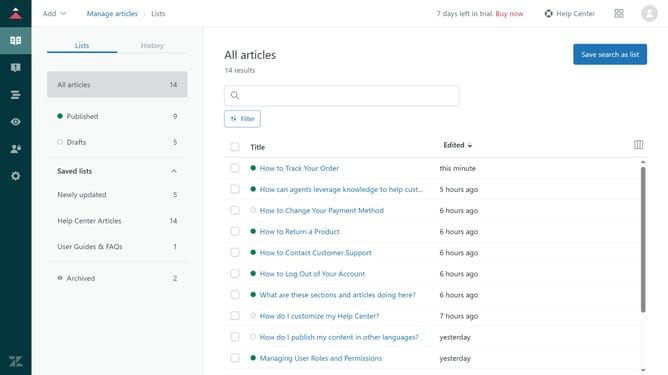
- First, navigate to your Help Center and click on the community post you want to edit
- Then click on the "Settings" icon in the post options menu
- Next click on "Edit" option in the dropdown menu
- In the edit window, start making the necessary changes, such as the title, details, topic, and content tags
- Finally once done, click the "Update" button to save the changes
Why should you edit a community post in your Help Center in Zendesk
Zendesk is an industry-leading platform designed to enhance customer service experiences through streamlined support solutions.
Editing a community post in your Help Center on Zendesk allows for timely updates and the dissemination of accurate information. This feature ensures that the information your community relies on remains current and relevant, providing consistent support to users.
By maintaining up-to-date posts, organizations can foster a more engaged and informed community, enhancing user satisfaction and loyalty.
Last update