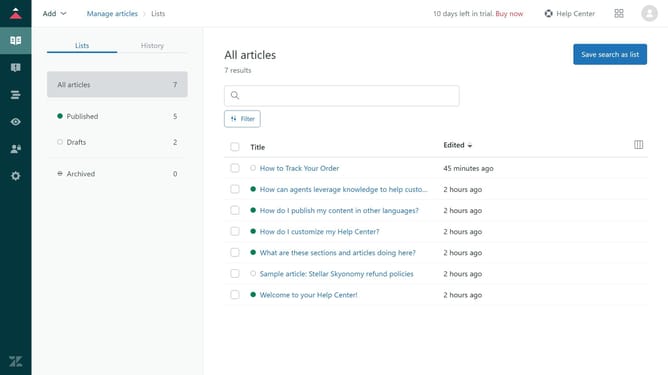
How to filter community posts by status in your Help Center in Zendesk
Here is how to filter community posts by status in your help center in zendesk
- First navigate to your Help Center, click on the community topic you want to filter
- Then click on the "Show all" dropdown menu in the filter bar
- Next select the status you want to filter by from the dropdown list
- The posts will automatically refresh to show only those with the selected status
Why should you filter community posts by status in your Help Center in Zendesk
Zendesk is a robust customer service platform designed to enhance user engagement and support efficiency.
Filtering community posts by status in your Help Center with Zendesk streamlines content management, allowing users to quickly access information most relevant to their needs.
This feature ensures a dynamic and organized flow of information, fostering a more efficient and satisfying user experience.
By focusing on post status, users navigate discussions more effectively, boosting engagement and resolving queries faster.
Last update