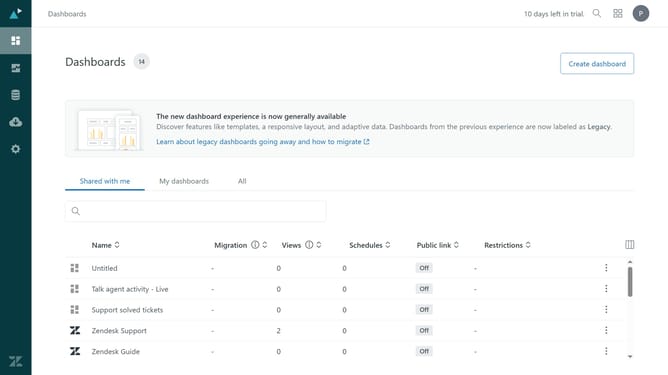
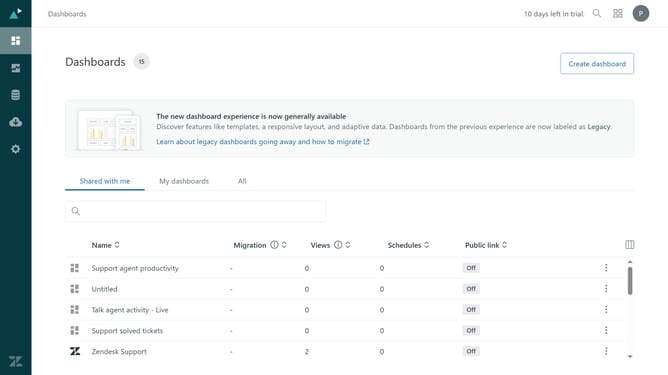
How to disable external link sharing for dashboards in Zendesk Explore
Here is how to disable external link sharing for dashboards in zendesk explore
- First in Zendesk Explore, click on the "Settings" icon in the left sidebar
- Then click on the "Sharing" tab in the settings menu
- Click on the "Public links to dashboards" toggle switch to disable dashboard sharing
- Finally click on the "Save" button to apply the changes
Why should you disable external link sharing for dashboards in Zendesk Explore
Zendesk is a comprehensive customer service platform designed to improve customer engagement and support efficiency.
Disabling external link sharing for dashboards in Zendesk Explore is essential for maintaining the confidentiality of sensitive data. This feature ensures that critical insights remain accessible only to authorized personnel, protecting valuable information from unintended exposure.
Implementing this feature strengthens data security, providing peace of mind and enhancing control over who can view and interact with your business intelligence.
Last update