How to add a section to your knowledge base in Zendesk Guide Admin
Here is how to add a section to your knowledge base in zendesk guide admin
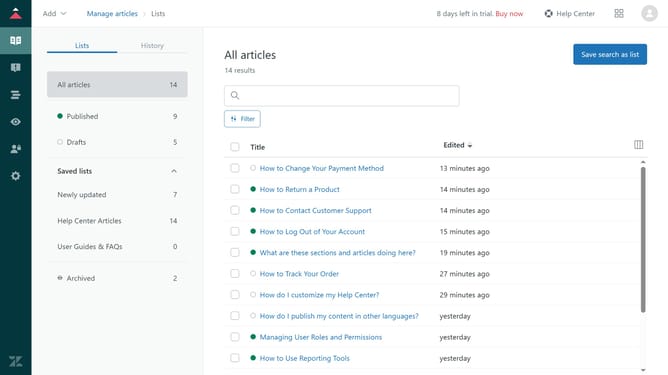
- First in Zendesk Guide, click on the "Add" dropdown button in the top header
- Then click on "Section" option from the dropdown menu
- Enter the "Section name" in the Name field
- Type a brief description in the Description field
- Next in the left sidebar and set your desired settings for source language, order, and hierarchy as needed
- Finally click the "Add" button in the top right corner to create the section
Why should you add a section to your knowledge base in Zendesk Guide Admin
Zendesk is a powerful customer service platform designed to enhance your support team's efficiency and customer satisfaction.
Adding a section to your knowledge base in Zendesk Guide Admin is a versatile feature that organizes information into relevant categories, streamlining user access to critical resources.
This capability ensures customers swiftly find solutions, reducing support requests and empowering self-service. It further enhances user experience, supporting your team’s goal of delivering timely and effective support.
Last update