How to reset a team member's password in Zendesk
Here is how to reset a team member's password in zendesk
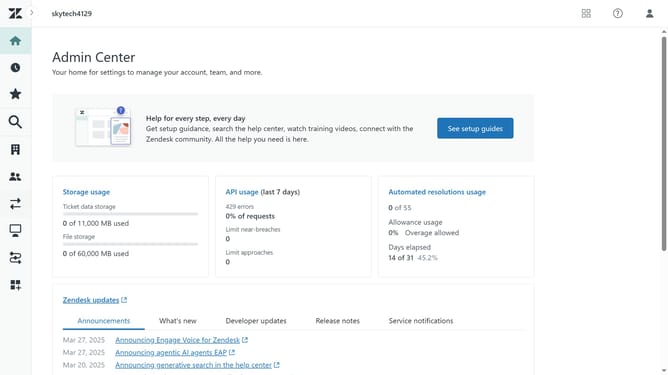
- First in the Admin Center, click on the "People" icon in the left sidebar
- Then click on "Team members" option under team section
- Find and click on the team member whose password needs to be reset
- Click on the "Account" tab in the member details view
- Look for the "Password" section in the account settings
- Then click the "Reset password" button under the Password section
- The team member will receive an email with a link to set a new password
- Alternatively, if you are an administrator click "Set password" to manually create a new password
- In the password dialog, enter the new password
- Next enter the password confirmation in the "Confirm new password" field
- Finally, click the "Set password" button to confirm and apply the new password
Why should you reset a team member's password in Zendesk
Zendesk is a comprehensive customer service platform that enhances customer relationships through efficient communication.
One of Zendesk’s features is the ability to reset a team member's password, ensuring seamless access and security. This feature promotes easy management of team credentials, crucial for maintaining productivity and efficient workflow in customer support operations.
By swiftly addressing access issues, it reduces downtime and supports a smooth-running, secure workspace, leaving more time for your team to focus on delivering stellar customer experiences.
Last update