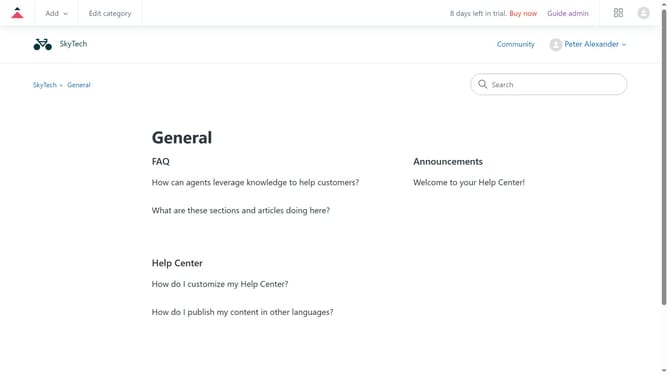
How to add an article to the Zendesk Help Center
Here is how to add an article to the zendesk help center
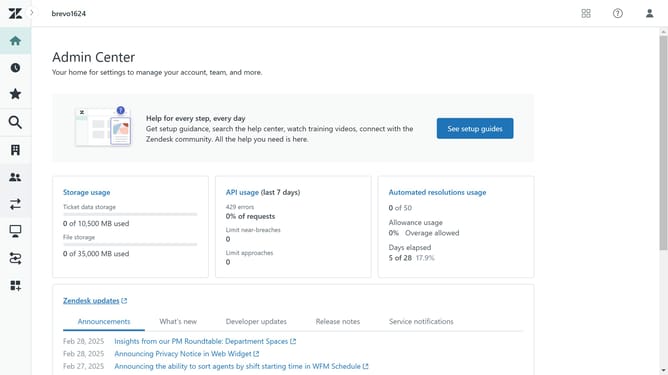
- First click on "Zendesk Products" in the top right corner
- Then click on "Guide" from the options
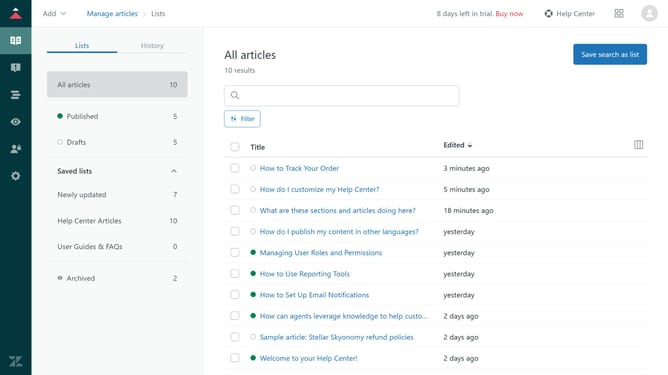
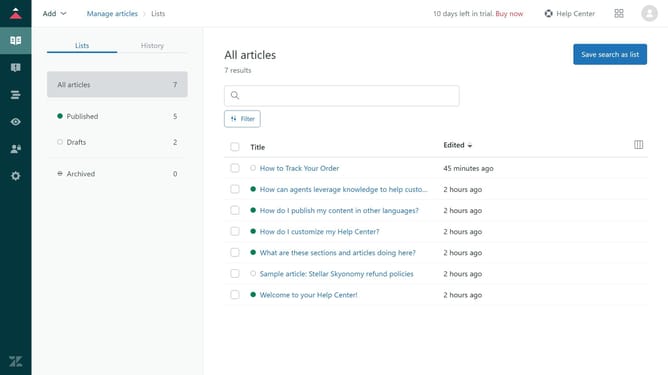
- Next click on "Add" dropdown button in the application header
- Click on the "Article" option in the dropdown menu
- Click the "Pencil" icon next to "Title"
- Enter the title of the article in the title field
- Type the content of the article in the text field below the title
- Adjust the "Article Settings" in the right-hand panel as needed
- Finally, click on "Save" button in the bottom to save and complete the process
Why should you add an article to the Zendesk Help Center
Zendesk is a powerful customer service platform designed to enhance customer experiences and streamline support operations.
Adding an article to the Zendesk Help Center is a feature that allows businesses to share crucial information and solutions with their customers efficiently. This feature empowers companies to create a self-service hub where customers can quickly find answers to their questions without the need for direct contact with support teams.
Utilizing the Help Center for publishing articles not only improves customer satisfaction by providing timely solutions but also reduces the workload on support teams, enabling them to focus on more complex queries. By continually updating this knowledge base, businesses can ensure that their customers always have access to the latest information and support resources.