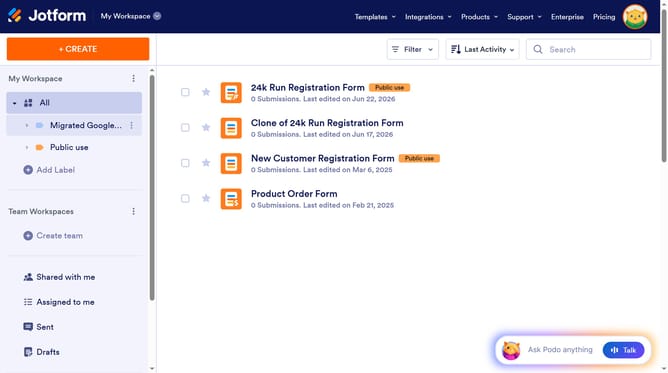
How to integrate Jotform forms with Google Drive
Here is how to integrate jotform forms with google drive
- First click on the "SETTINGS" tab in the top navigation menu
- Then click on "INTEGRATIONS" option in the left sidebar menu
- Next click on the "Google Drive" integration card in the integrations grid
- Click the "Authenticate" button to connect with Google Drive
- Select your Google account from the account selection screen
- Click "Continue" button on the Google sign-in confirmation screen
- Click "Continue" button on the Jotform access request screen
- Turn on the toggle switch for "Create a subfolder for each submission"
- Click on the "Select PDF document" dropdown field
- Select your desired pdf option from the PDF document dropdown
- Finally click the "Save" button to save the integration settings
Why should you integrate Jotform forms with Google Drive
Jotform is a versatile online form builder designed to simplify data collection tasks.
By integrating Jotform with Google Drive, users can automatically save form submissions as documents in their Drive, ensuring easy access and organization.
This integration eliminates manual data entry, reducing errors and saving time, which is essential for efficient workflow management.
Seamlessly linking these tools enhances productivity by making shared data instantaneously available to your team, fostering better collaboration.
Last update