How to add a CAPTCHA to your Jotform form
Here is how to add a captcha to your jotform form
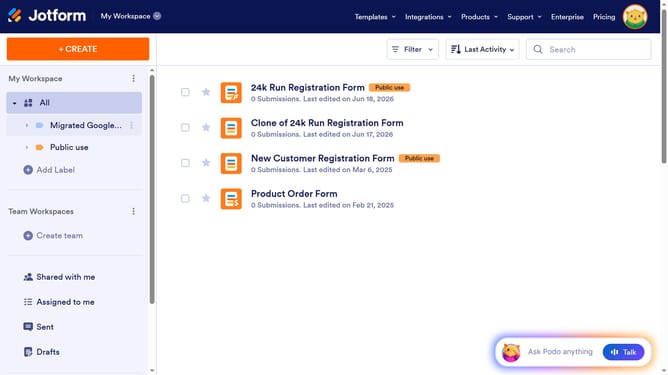
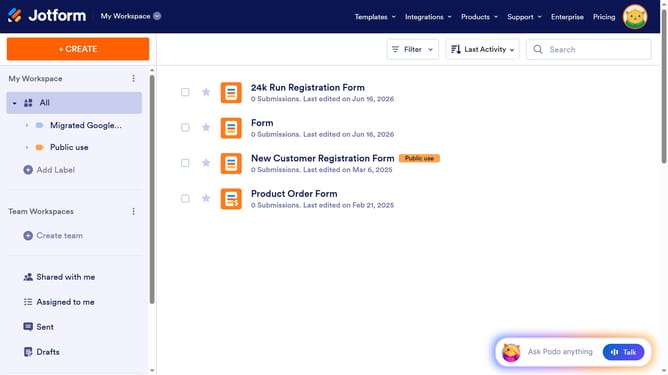
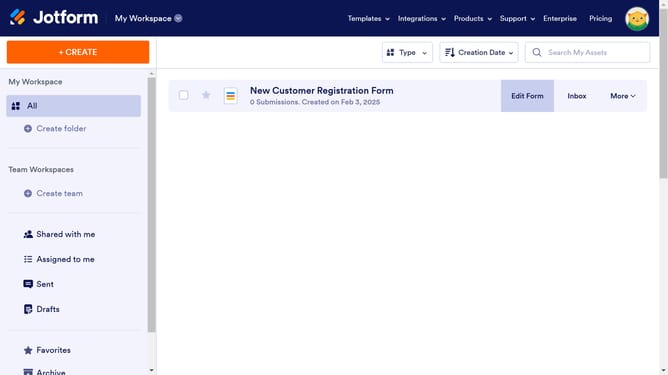
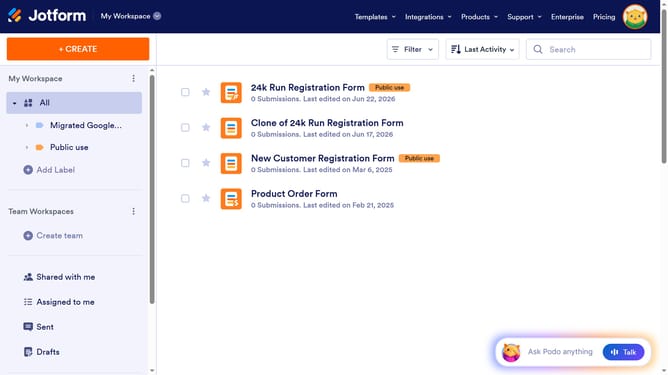
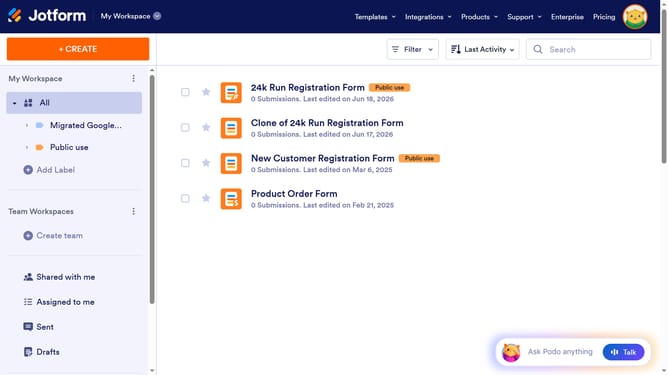
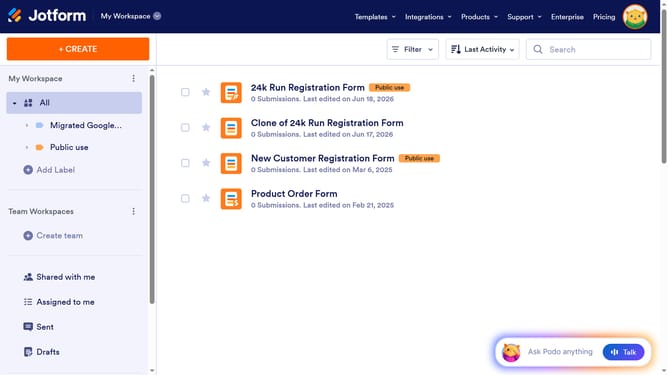
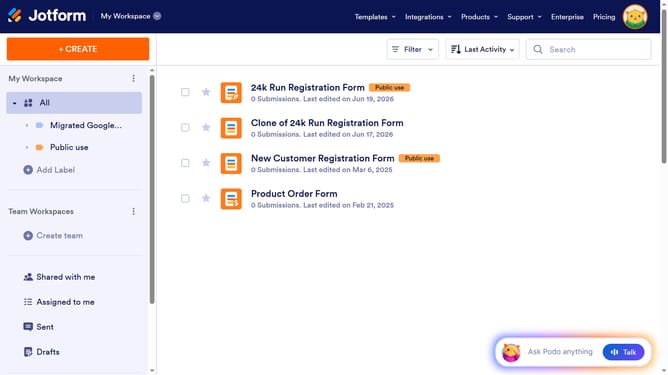
- In the main list view, click on the "Edit Form" button of the form you want to use
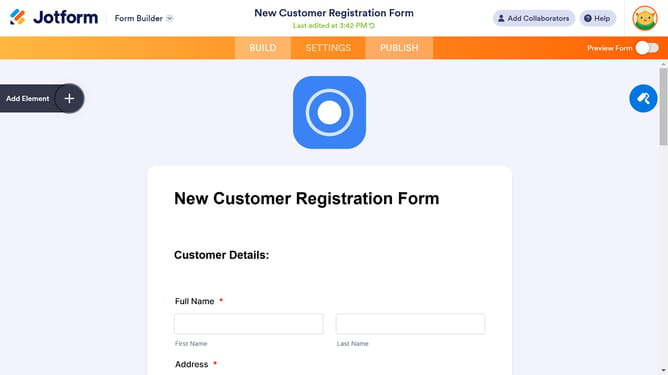
- Next click on "Add Element +"
- Then click on "Captcha" in the options
- Next click on the "Properties" to open the settings of your captcha
- Here you will find different options to customize your own captcha
Why should you add a CAPTCHA to your Jotform form
Jotform is a versatile platform designed for creating intuitive online forms to simplify data collection.
Adding a CAPTCHA to your Jotform form enhances security by filtering out automated submissions. This feature is essential to ensure that only genuine users interact with your form.
Incorporating CAPTCHA protects your data integrity and boosts user reliability, reducing spam and unwanted interactions. It's a straightforward yet powerful addition to safeguard your form from bots.
Last update